TCG Card Shop Simulator is constantly receiving updates. From small bug fixes to new content, the developers are working hard to grow the game. It's already a very popular simulator game, and because of all the fresh updates, it has seen a steady growth in player count since it was released.
One of its more recent updates introduced a customer trading feature. This is perfect for those keen collectors who are trying to get a copy of every card in the game. Understanding how customer trading works can help players not only collect new cards but also make some extra profit on the side. This guide will go through all there is to know about customer trading.
Updated September 13, 2026 by Marc Santos: Trading or buying cards from customers in TCG Card Shop Simulator has remained mostly the same in 1.0, but since Card Grading is now fully implemented, we've updated this guide to include a short section on how Card Grading works and why you should use it when you get rare cards from your patrons.
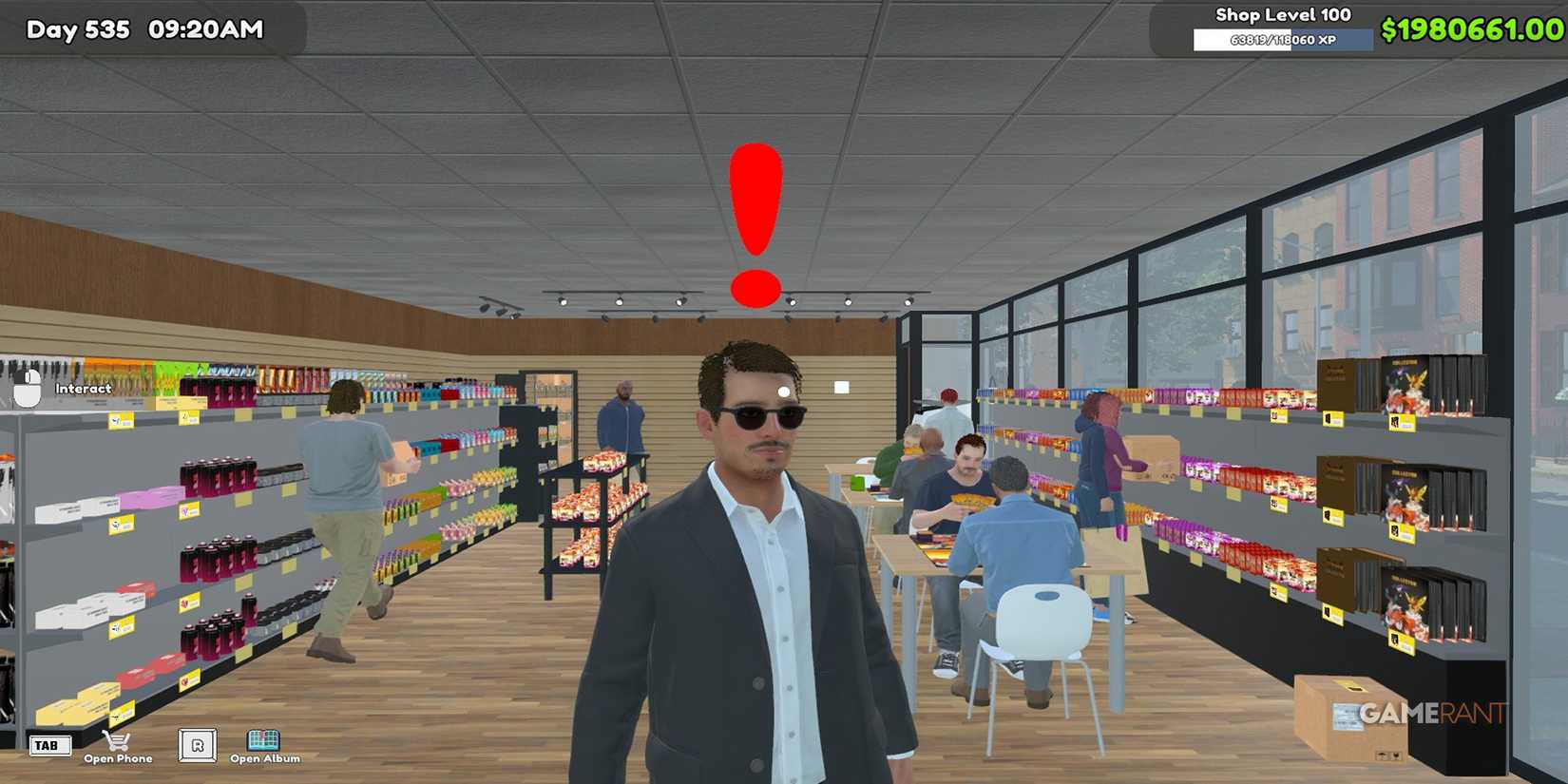
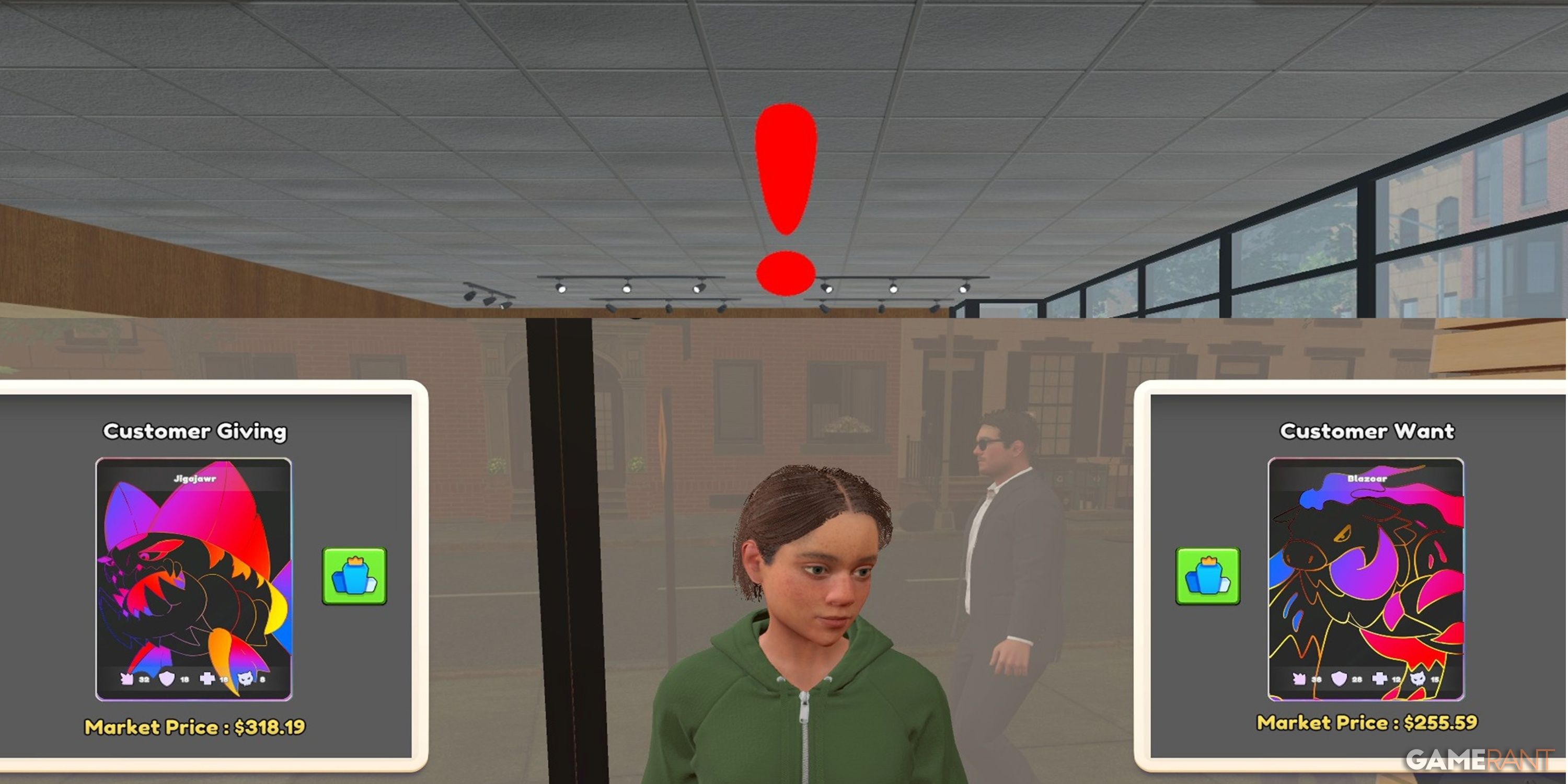
Simply put, customers will come into your store and request to trade cards with you. Unfortunately, there's no way for players to select specific cards to trade. Instead, customers will come in with one pre-decided card to trade. A customer who wants to trade will head straight to a register and wait. They can be easily spotted as there will be a red exclamation mark above their heads indicating that they want to trade.
Customers wishing to trade a card will wait by a register for 1 in-game hour. After that, if you haven't interacted with them, they'll shake their head in disapproval and leave the store. However, if you open up the trade talks, there's an option called Let Me Think. If you press this, then the customer will wait patiently for you to get back to them. In fact, if you have selected this option, then the customer will wait in your store until the end of the day. This can be good if you really want to buy the card they are offering but don't quite have the funds to purchase it. Making them wait a little bit can give you the chance to get the funds together through sales.

Don't forget to sell any of the cards you've traded for/bought using a Card Table.
There are two main types of trades that a customer might want to do. The first is a swap. If a customer comes in looking for a swap, then they will have a specific card in mind that they want. If you don't have this card, or you aren't willing to swap it, then you aren't able to offer an alternative offer. Instead, you'll have to reject the trade. Thankfully, there's no real downside to rejecting an offer. It doesn't have any impact on customer satisfaction. So, it doesn't matter if you lose out on a trade, even if the customer leaves the store in a seemingly bad mood.

The second thing a customer might come in for is money. These are typically the better trades as they don't rely on the player having a particular card. Instead, they'll come in with a card and a price in mind. It's up to you to offer them some money for the card. While sometimes customers can ask for way too much money, sometimes, you'll grab a bargain. Also, customers are usually willing to wiggle on the price a bit, so it's worth doing some negotiating to get the best deal.

سەرچاوەی فەرمی بە زمانی ئینگلیزی: https://gamerant.com/tcg-card-shop-simulator-customer-trading-guide/