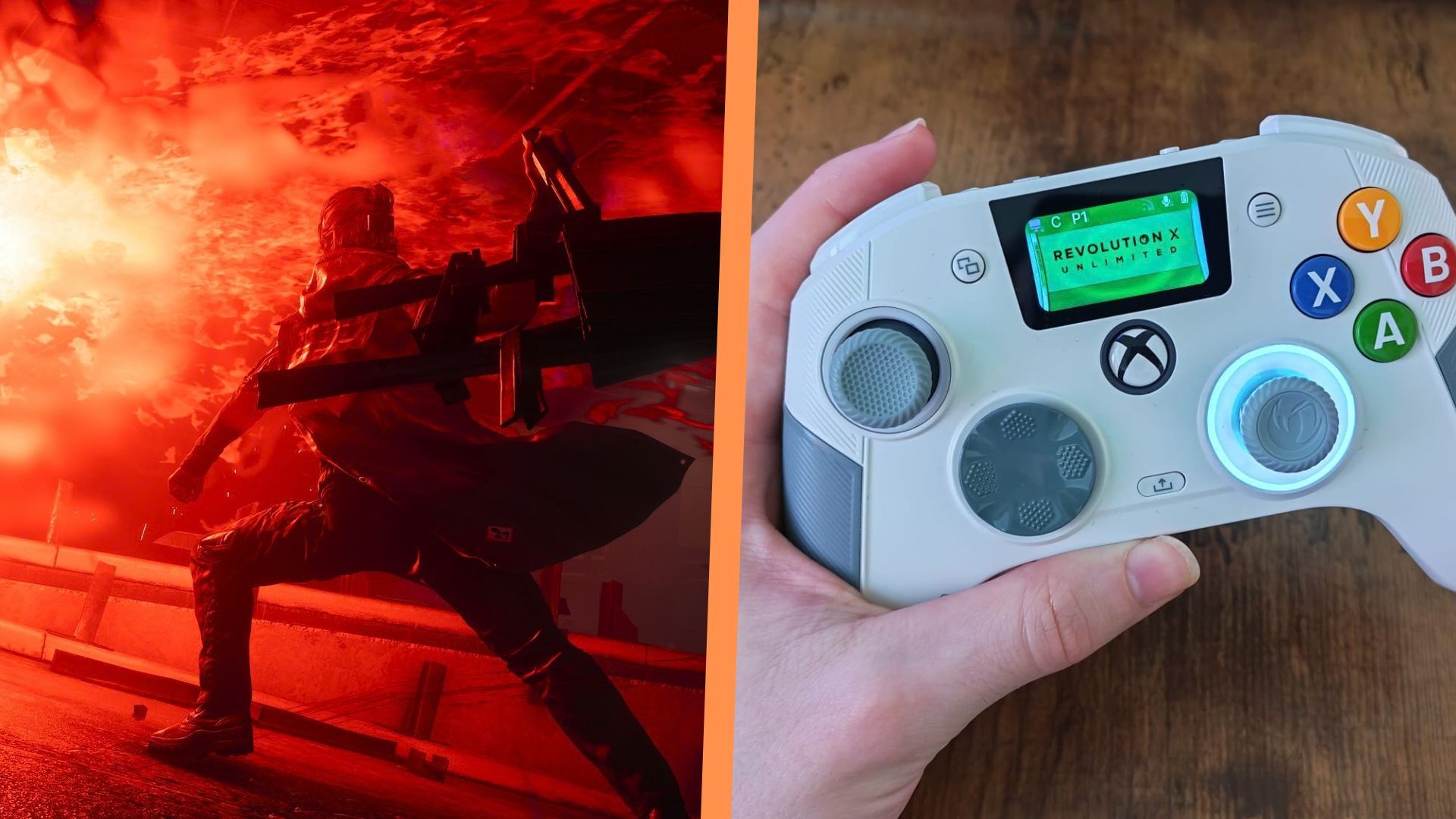
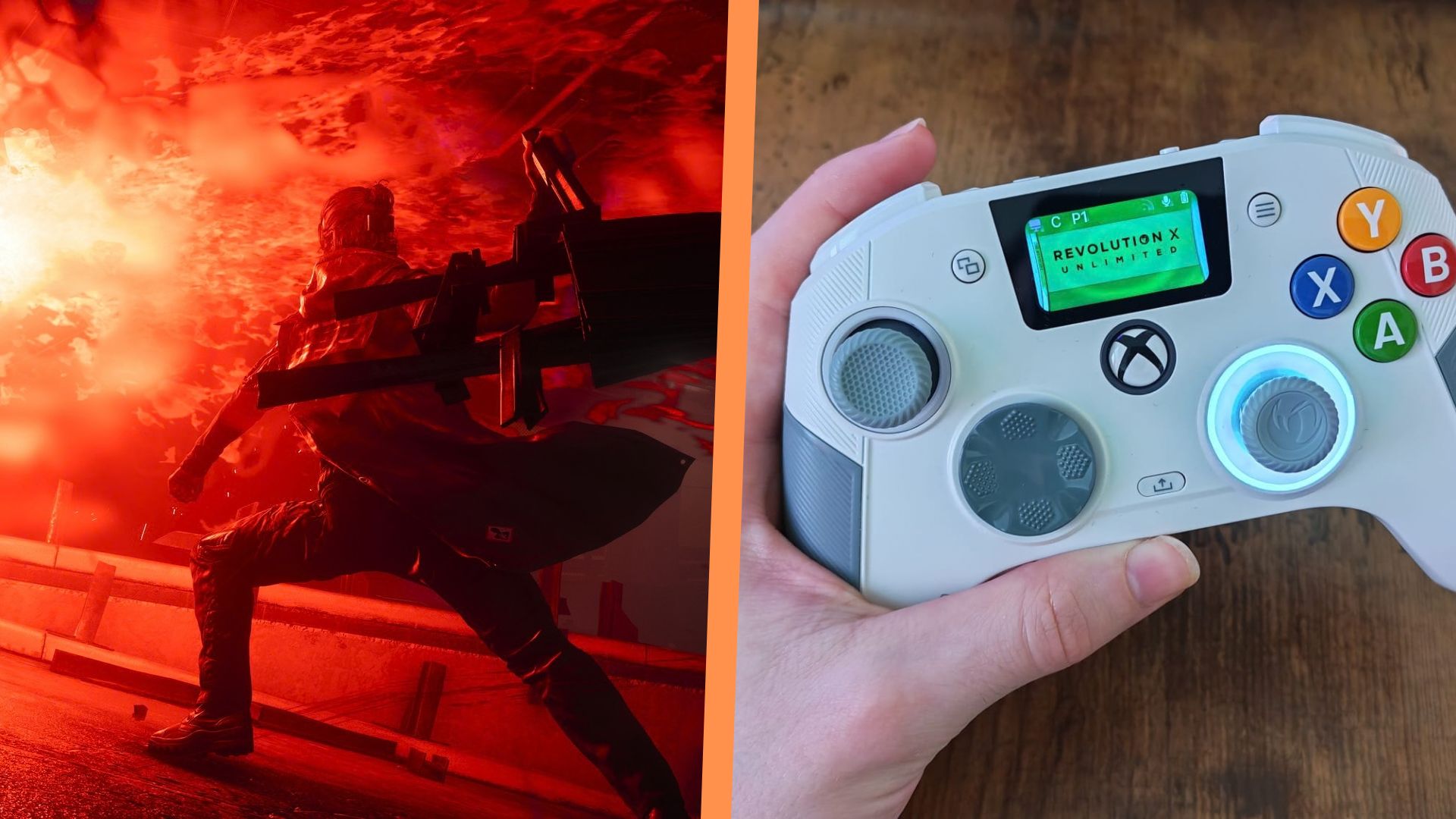
If you've been playing plenty of Control Resonant since it launched last week, you might be experiencing the same thing a lot of us are - spongy enemies leading to the game's exceptional combat feeling a little tiresome at times. Fret not, because I'm here to help you with a few solutions you might not have thought of yet, and they both come down to how you use your PS5, Xbox, or PC controller.
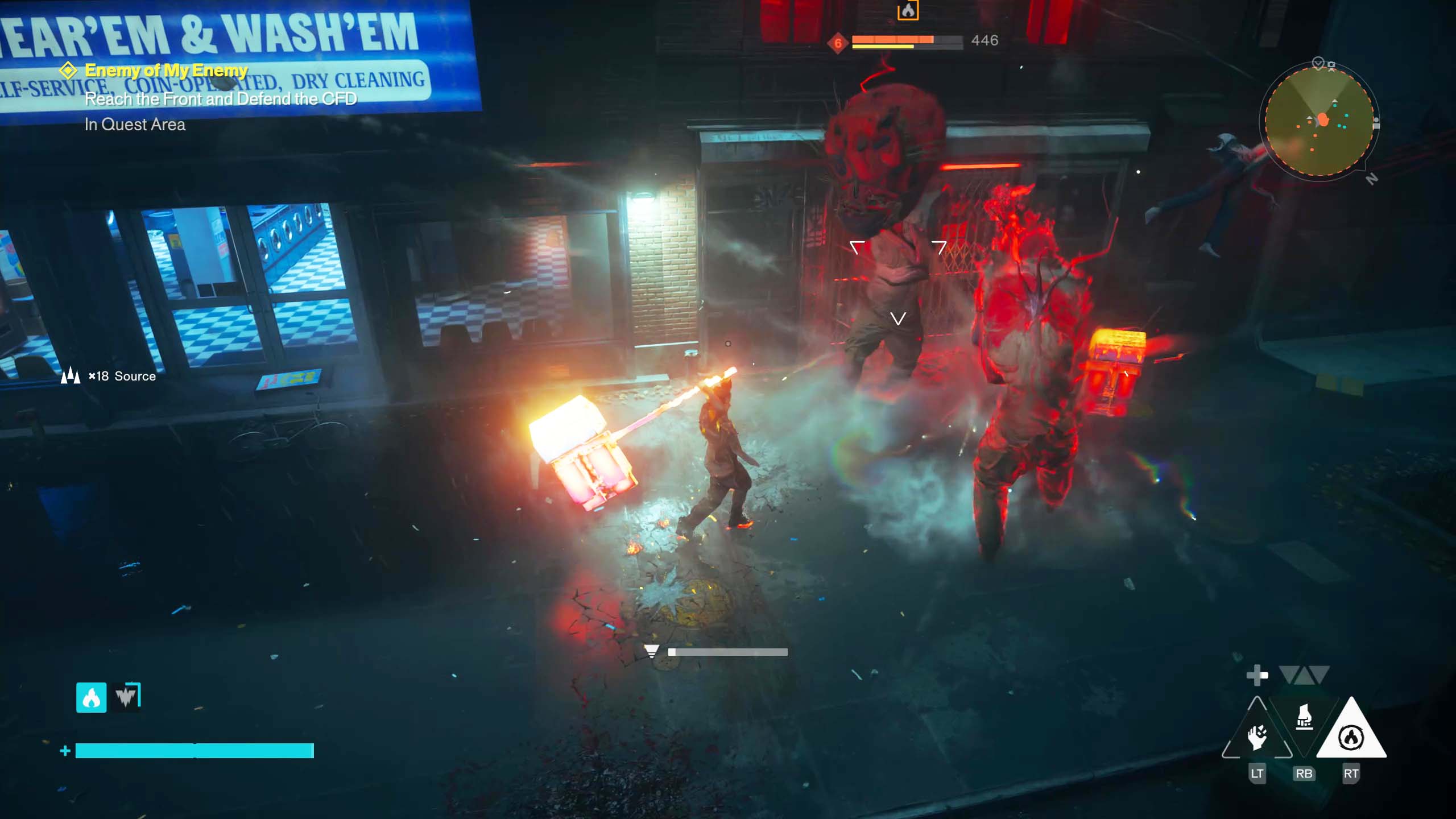
I don't know about you, but the issue with the Hiss being able to take so much damage isn't so much a difficulty problem for me; it's just a lot of button mashing, which can cause fatigue if you want to explore Remedy's mind-bending version of New York in longer sessions, as I do. Moreover, too much pressing can cause injuries like repetitive strain, carpal tunnel, or even just cause your gamepad to wear down more quickly.
But that's why I'm a big believer in back buttons - in fact, I'd say that I use them more than face buttons these days, especially since it's my job to review the latest gaming peripherals and they're a common feature on most of them today. The great thing about them is that they effectively double up a function you already have on a standard controller. If you map a spare back or shoulder button to your attack button, for example, you've suddenly got two ways to inflict damage instead of one.
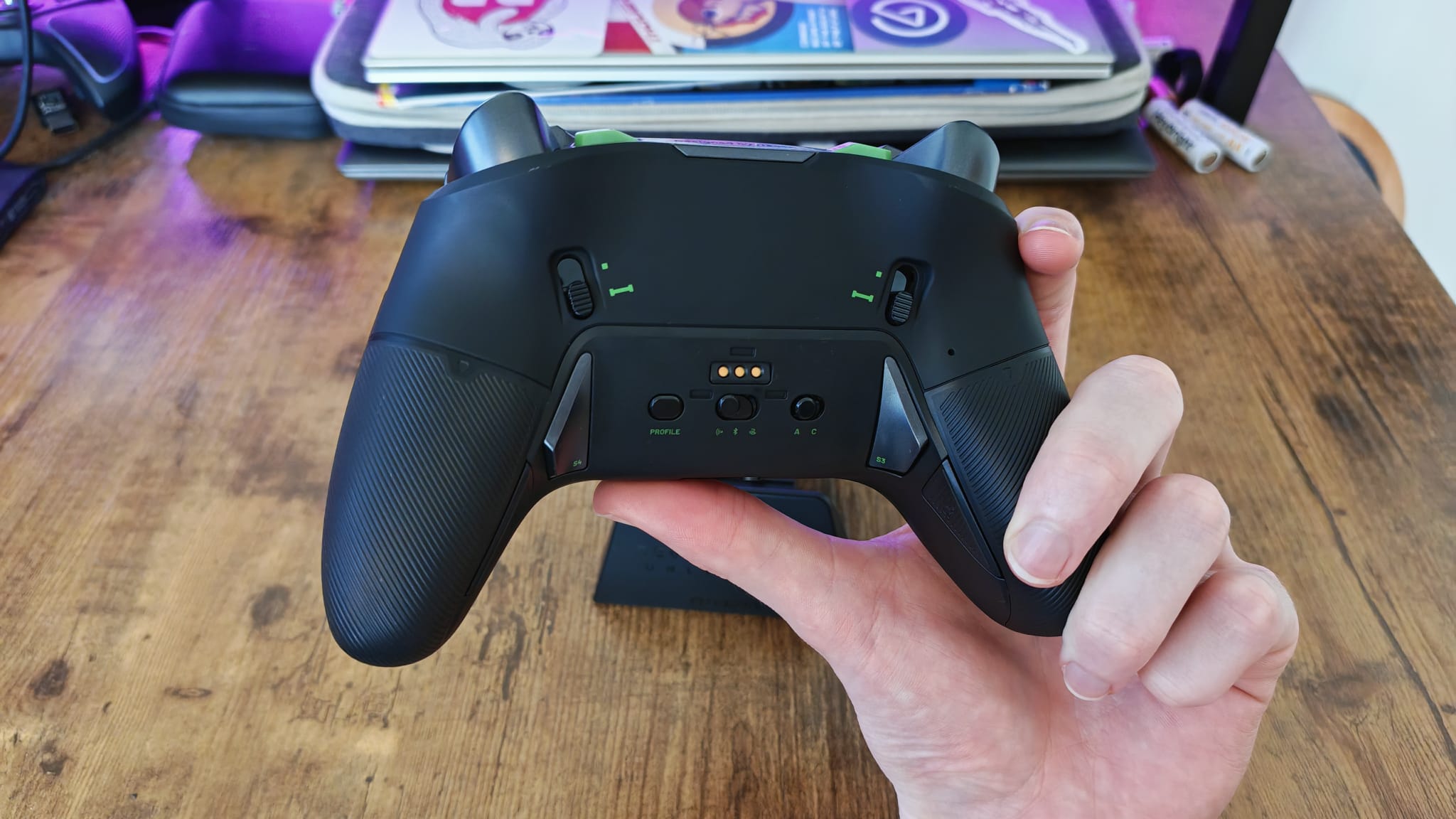

Now, I know what you're thinking. Back buttons only come on "pro" controllers, and if you play on a console, a lot of the time that means spending a fair bit of cash on a capable gamepad. I can't honestly offer much advice to the PS5 players among us, since Sony's licensed controllers have never heard of a gamer without expendable income. But PC and Xbox players have loads of wireless and wired controllers they can turn to; I've listed some of the more affordable ones below.
GameSir Cyclone 2 | $55.99 at AmazonFlyDigi Vader 5S | $59.99 at AmazonGameSir G7 Pro | $79.99 at AmazonManba One | $69.99 at Amazon
This would be my first suggestion to anyone who wants a "remedy" for repetitive and sometimes painful button mashing. Double up a back button to your in-game attack and then alternate which one you press if you need to. You can make this a bit more engaging by pressing both buttons in the same sequence, tapping one and then the other in an attack combo. Alternatively, you could just switch what attack button you're pressing and only focus on one as and when you need to.
The other really cool thing about back buttons is that they're sometimes called "macro" buttons. The reason for this is that many controllers allow you to map not just one function to them, but a sequence of presses. For example, if you have a go-to combo with Dylan's Aberrant, then combat finisher, then stronger attack mapped to Y or Triangle, you could program that button press sequence to one single press of your controller's extra function.
Personally, I'm not a huge fan of that idea in a game like Control Resonant since it'd take away a lot of the fun, engaging combat mechanics. But if you're struggling with the game's level of difficulty, bear with me.
سەرچاوەی فەرمی بە زمانی ئینگلیزی: https://www.gamesradar.com/hardware/gaming-controllers/your-pro-controllers-back-buttons-could-be-the-answer-to-control-resonants-spongy-enemies