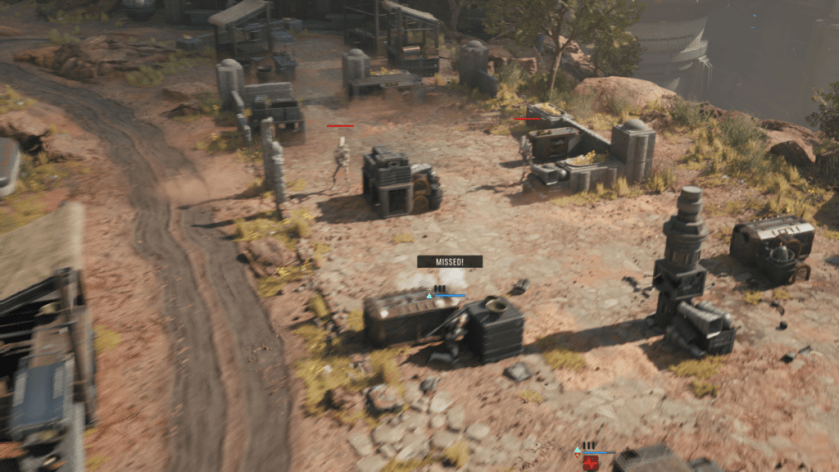

Star Wars Zero Company has been a breath of fresh air for those who love turn-based tactics, but the performance on the opening day hasn’t been up to the mark. While my journey has been relatively free of issues, I have encountered the odd stutters and freezes. If you scout the Steam reviews, you’ll locate similar issues for others.
In this guide, I will go through the best set of settings to use to get the best possible performance.
Before I deep dive into the settings, here’s a brief look at my current setup.
While the list of issues on my end has been few and far between, I have prioritized listing down settings that benefit devices closer to the minimum requirements.
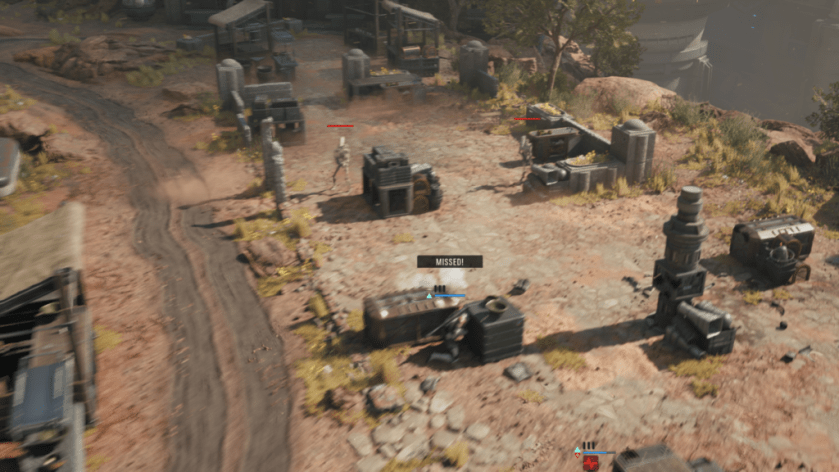
The most significant difference to gameplay on my end happened when I put the cap on FPS. While you can turn it up, it’s best to keep it capped for now. I am expecting a few post-launch patches to smooth out lags and stutters.
Tags:
Zero Company
سەرچاوەی فەرمی بە زمانی ئینگلیزی: https://www.destructoid.com/best-star-wars-zero-company-graphics-settings-for-no-lags-and-max-fps/