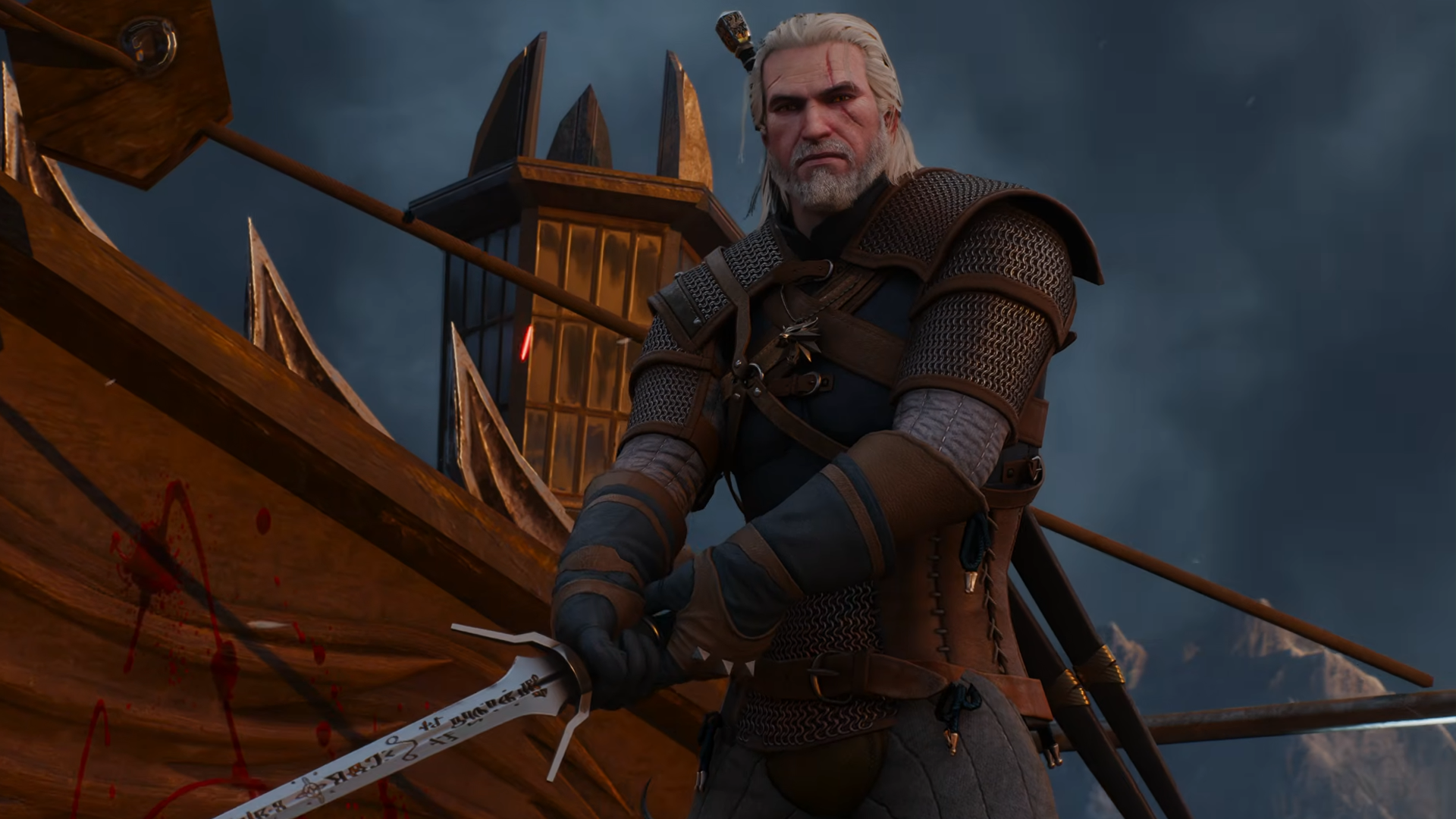
CD Projekt Red has absolutely outdone themselves with The Witcher 3: Wild Hunt - Remastered, as the free updated version has received plenty of acclaim for somehow managing to surpass the original. Despite the high praise, many users have been lashing back toward some of the graphic changes being made in the remaster.
With side-by-side comparisons showing The Witcher 3 Remastered as being washed out or lacking the clarity of the original, not to mention the official clip of Geralt using Igni against a pack of drowners lacking the same flair as the original, many players have lamented that the remaster's visual changes have ruined the game.
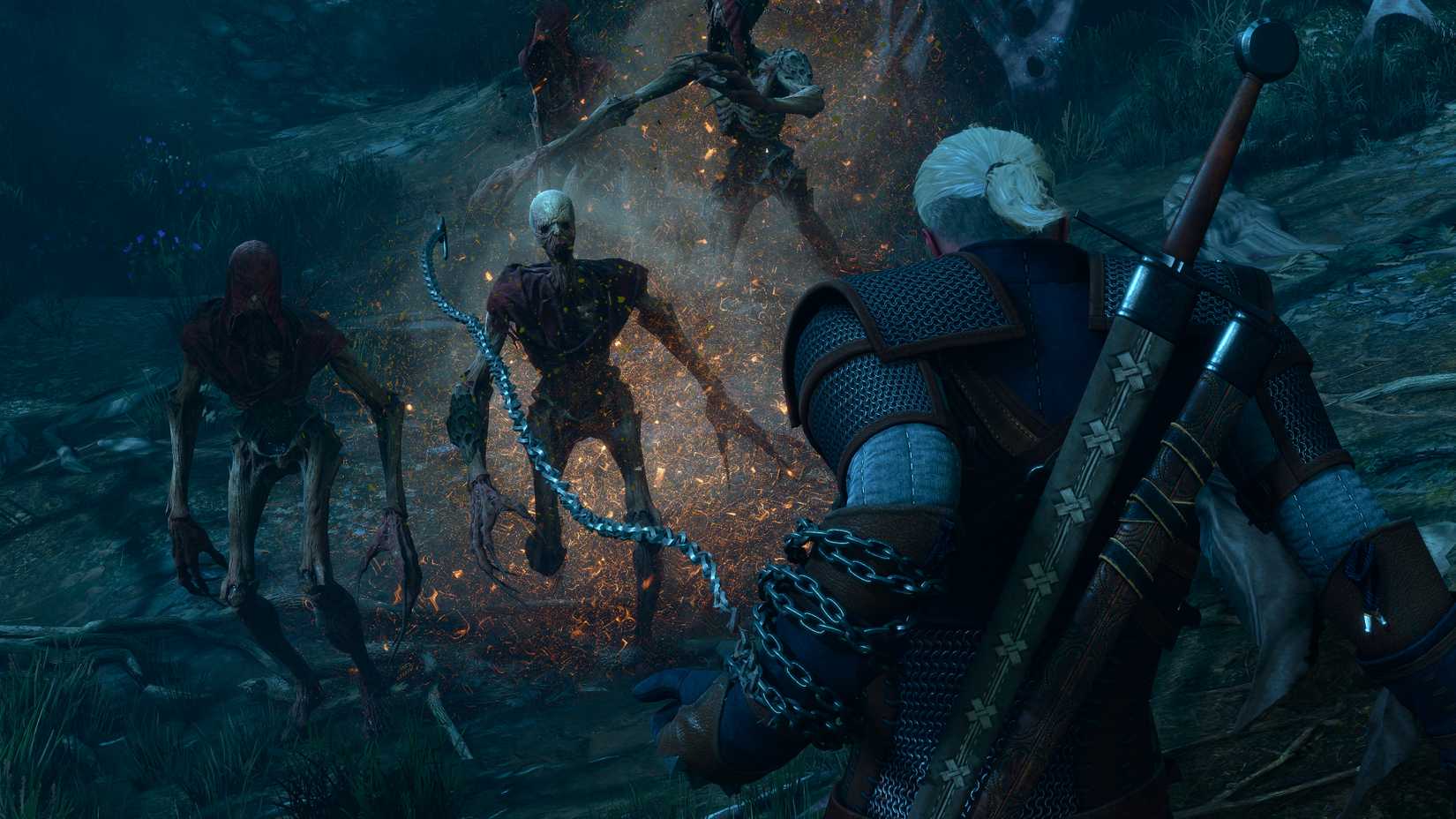
If you've noticed that The Witcher 3 Remaster's visuals look blurry from a distance, washed out, and lacking in contrast, all of these issues can be addressed by turning off Bloom in the game's graphics settings, which is readily apparent in the comparison made by ITSALOX_ on X.
While Bloom is normally a great addition to the atmosphere for most games, for some reason its implementation in The Witcher 3 Remaster seems to apply to just about everything in frame when exploring the outdoors.
Regardless of whether it's an intended visual effect or a bug associated with the setting, plenty of players have been urging others to turn it off as soon as possible to restore the clarity and colors of the original experience. Other settings you might want to experiment with include Chromatic Aberration, Motion Blur, and Vignetting, but these are more for personal preference rather than stark changes like the ones in Bloom.

While PC players can enjoy the enhancements of The Witcher 3 Remaster without any of the downsides, console players don't have the same luxury and will likely have to wait until CD Projekt Red offers an official patch to address the visual issue.
Thankfully, if you have an Xbox copy of The Witcher 3: Wild Hunt you can use the newly added Xbox Play Anywhere support to download the remaster entirely for free on your PC.
Granting you access to an endless array of game-changing mods and the ability to customize your visual experience at will, the only downsides to the PC version are the higher hardware requirements coming alongside The Witcher 3: Wild Hunt - Remastered's visual enhancements.


سەرچاوەی فەرمی بە زمانی ئینگلیزی: https://www.thegamer.com/the-witcher-3-bloom-setting-visual-complaints/