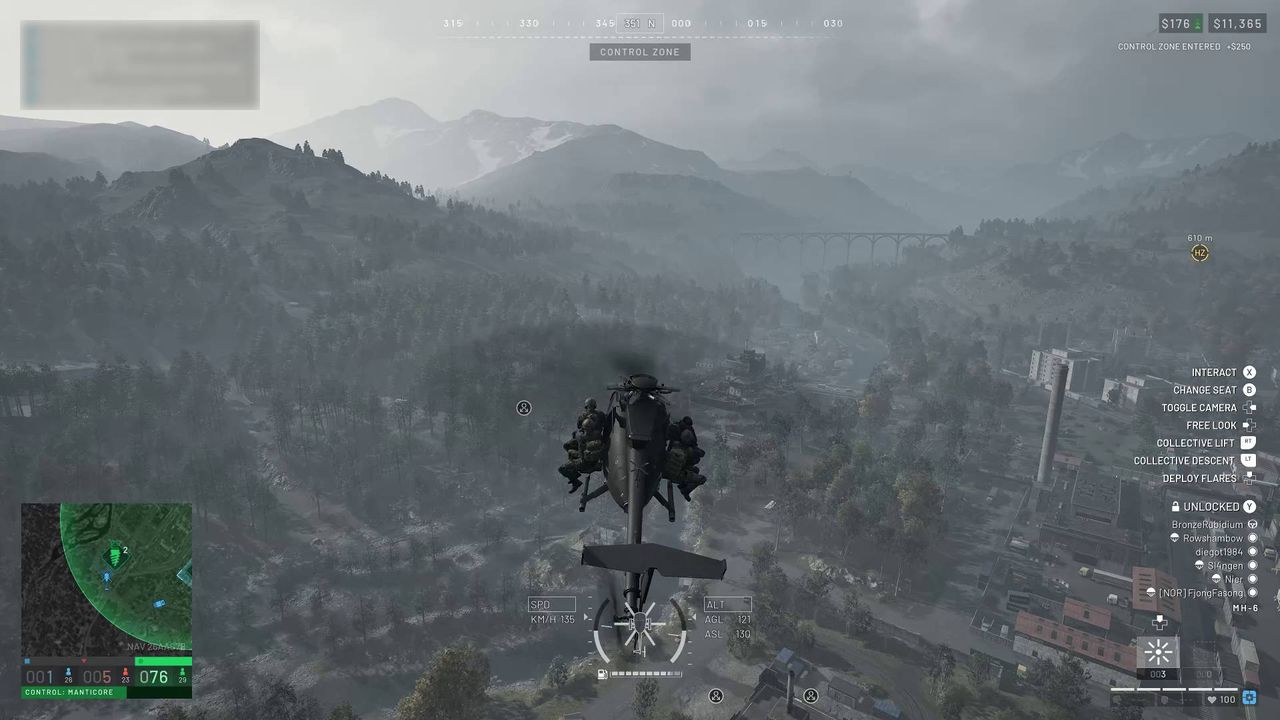
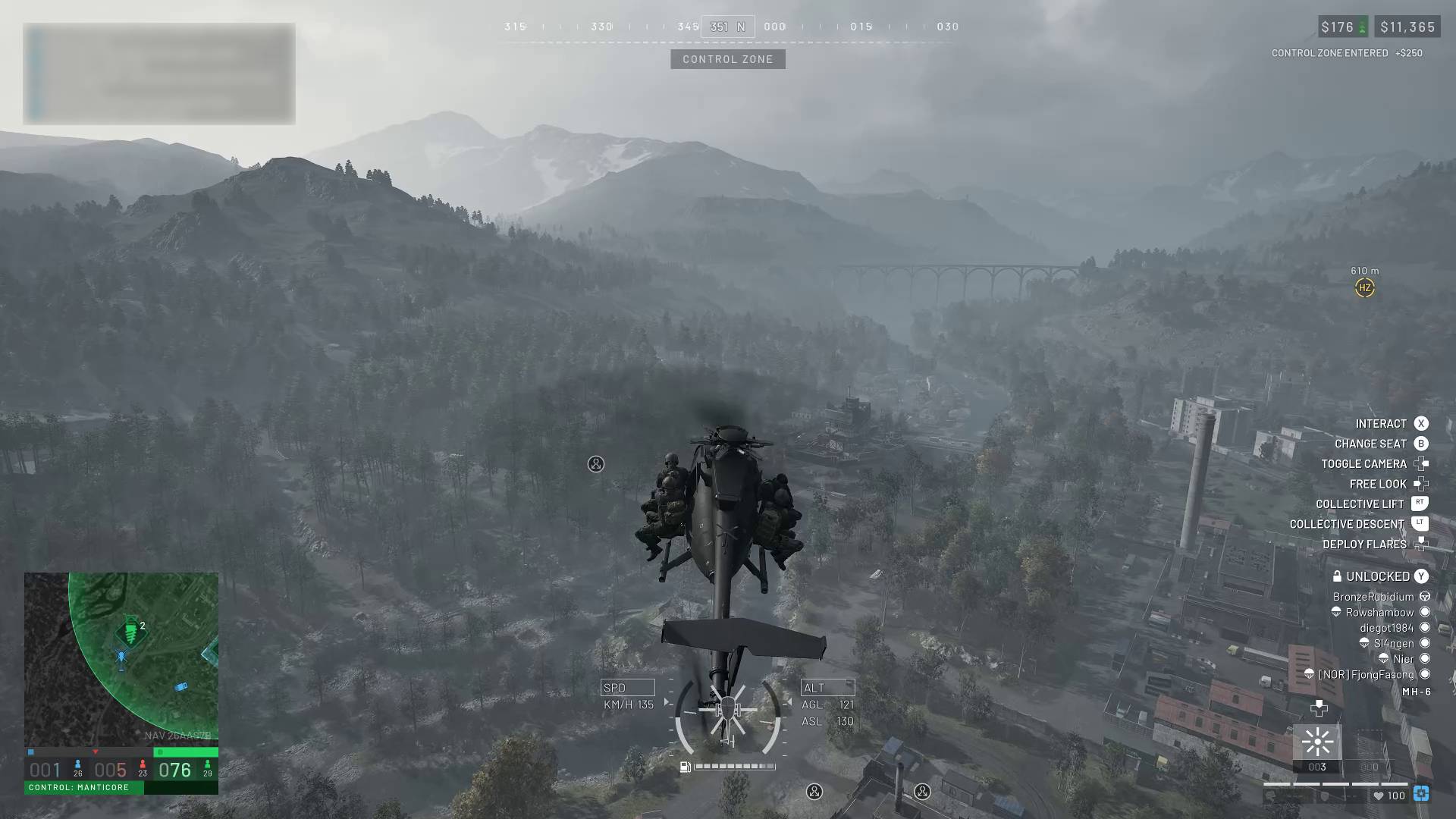
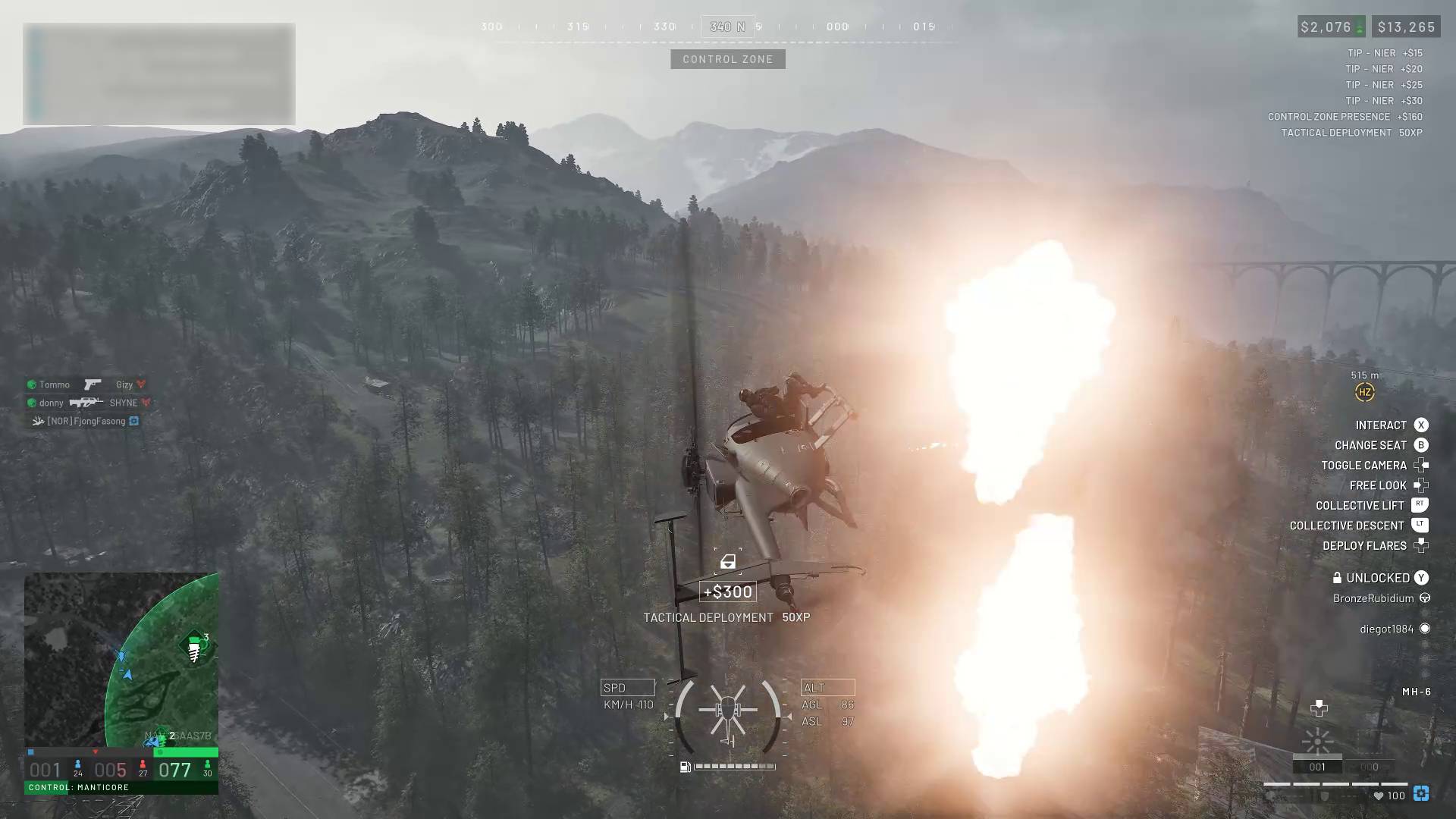
The Wardogs helicopter controls are quite complicated, particularly if you've never played a shooter that features rotary aircraft – then again, even if you've played Battlefield, you might have a rough time in Wardogs. As well as learning how to fly at all, you've also got to bear in mind that ammo is limited, and repairs can only be done back at your HQ. So, to help you master flight and increase your Pilot level, here are the controls and some tips for flying helicopters in Wardogs.
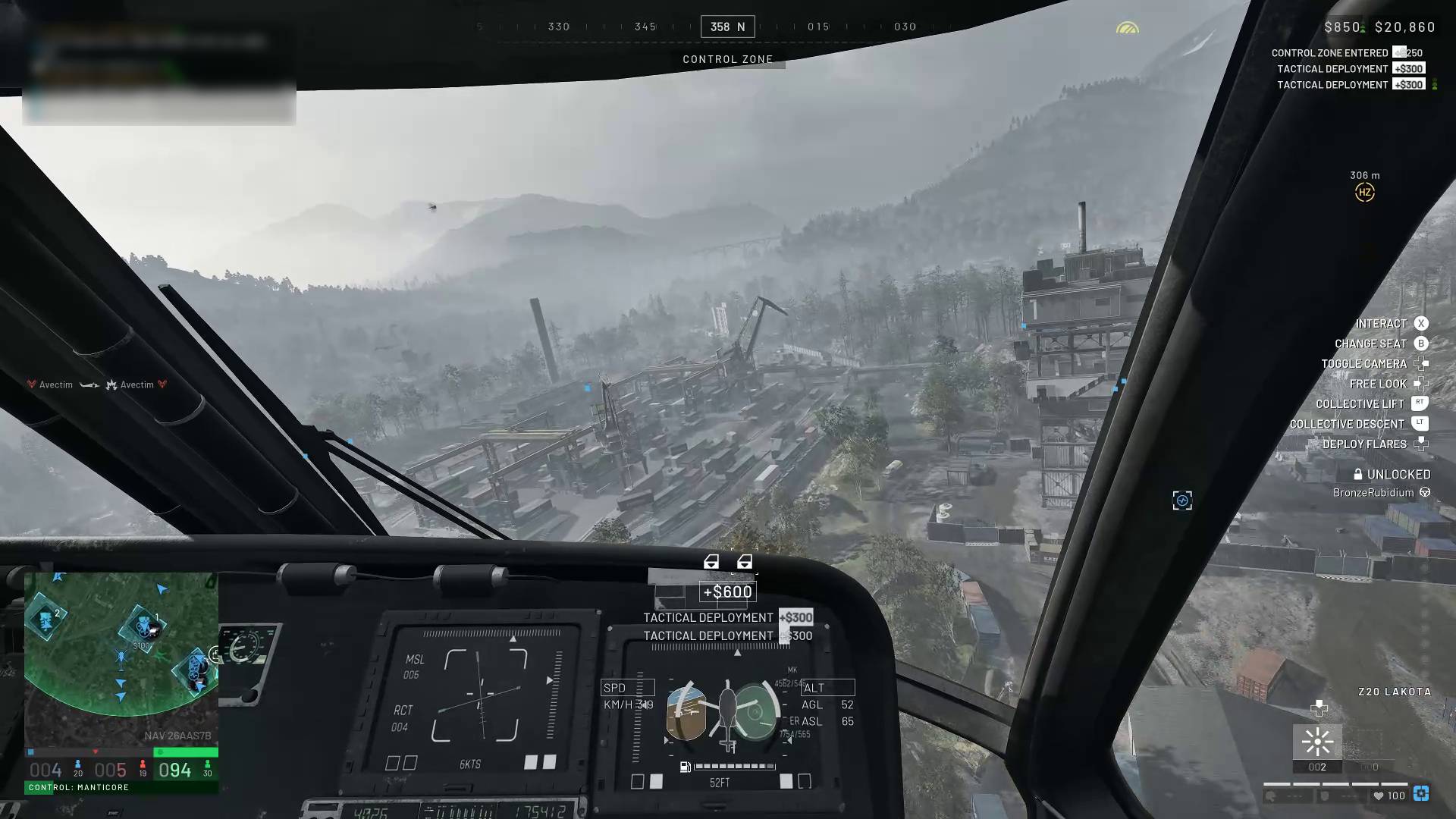
Flying a helicopter in Wardogs can be tricky because of how twitchy and unstable they can feel – in fact, I highly recommend loading up the firing range and practicing there until you become confident enough to start flying your fellow troops in real matches.
I also reckon that piloting a helicopter is far easier with a controller over mouse and keyboard, mainly because you don't have to tie your fingers in knots quite so much while trying to pitch, roll, and yaw – sometimes all at once.
Here's a quick rundown of all the important controls you need to bear in mind when flying a Wardogs helicopter:
Left Stick forwards (nose down) and backwards (nose up)
L1/LB (yaw left) and R1/RB (yaw right)
Hold D-Pad Left and move Right Stick
Fire weapon (if your helicopter has any)
سەرچاوەی فەرمی بە زمانی ئینگلیزی: https://www.gamesradar.com/games/fps/wardogs-helicopter-controls