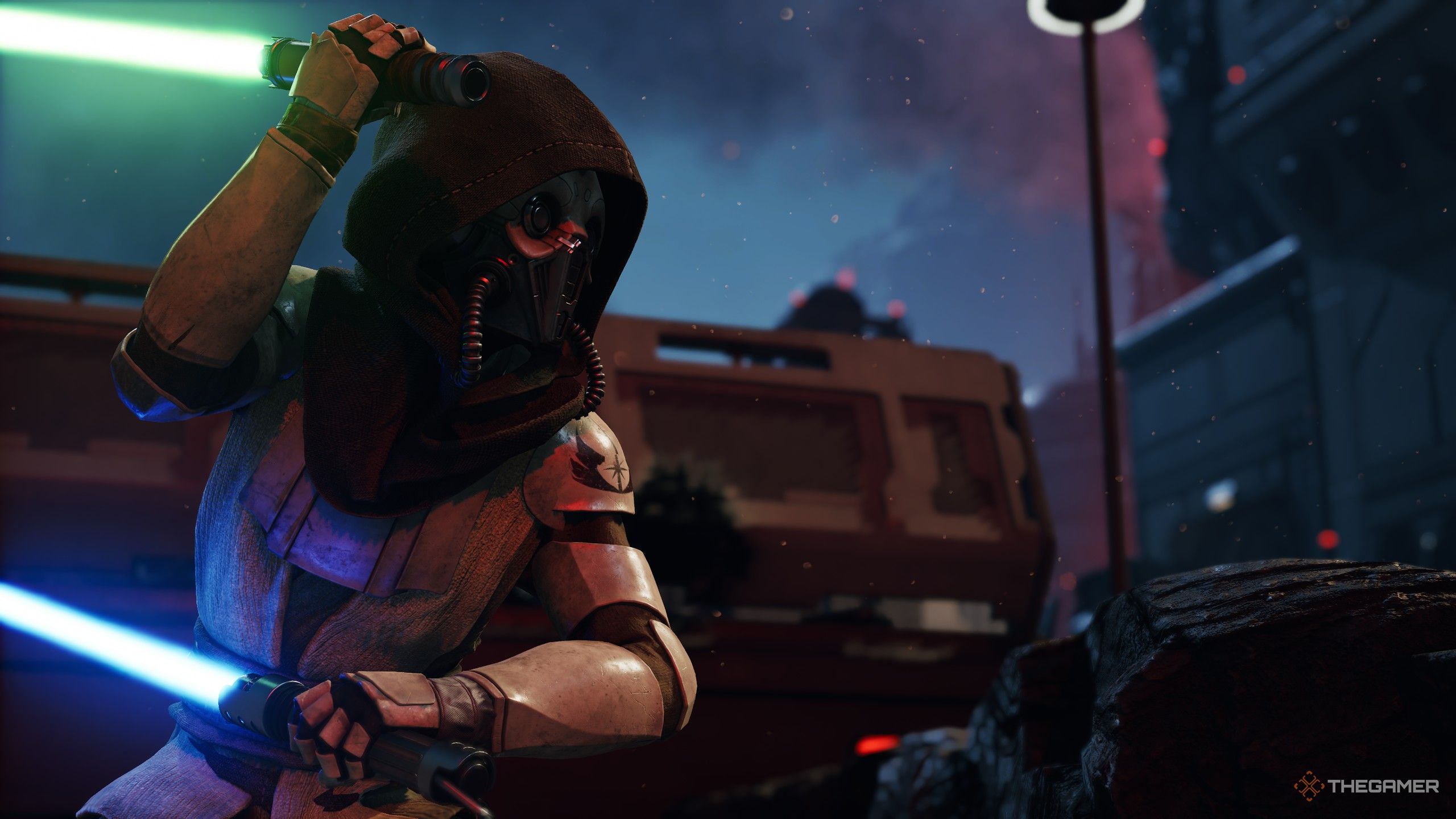
You will want every advantage you can scrounge up to survive the dangerous galaxy of Star Wars Zero Company. Battles can be difficult, and with death being permanent, losing key operators can be a huge blow to your playthrough. Thankfully, you can even the odds by altering your blasters with weapon mods to ensure better stats for your gear.
While this mechanic is easy to overlook, weapon mods are extremely powerful and are something you should be regularly engaging with throughout all stages of the campaign. Here is everything you need to know about weapon mods, how to use them, and where you can get more.

Weapon mods are items you can attach to blasters to give them unique abilities or enhance the weapon's attributes. This goes beyond simply improving a single stat and can provide effects such as increasing the damage of a blaster after each successful hit in a turn. Since you are limited to just four weapons throughout the entire campaign, weapon mods will be your main way of tailoring them to specific operators.
There are a total of four weapon mod categories (Barrel, Cell, Scope, Stabilizer), and you can only have one mod from each category equipped at a time. Meaning, you cannot equip two Scopes to a Repeater, so having a diverse collection of mods across all categories will ensure you can fully deck out your blasters as you unlock more weapon mod slots.
Additionally, there are four rarity tiers for weapon mods (Basic, Superior, Exquisite, and Exotic), with the former being the most common and the latter being quite rare. For the vast majority of the game, you will largely rely on Superior and Exquisite tier gear as those are the usual rewards for completing Missions or Operations.

To actually equip weapon mods, go to the holotable room in The Den and head towards the Armory in the back right corner. Interact with the table, select the weapon, and pick "Equip Mods" on the left side. From here, you will be able to pick from one of the four blaster types, as well as which operator is using them.
Keep in mind, mods you equip on one operator's blaster don't immediately transfer to another operator using the same type of blaster. Mods can only be used on one operator's blaster at a time, so if I have a Type-K Ergonomic Stabilizer equipped on Trick's weapon, I cannot use that same mod on another operator's gun.
You can see which operator is using which mod by their portrait icon on the mod screen, and there's no cost to equip or unequip a mod from a weapon. Because of this, I recommend freely swapping your best mods around for the operators you're planning to use during a mission.


سەرچاوەی فەرمی بە زمانی ئینگلیزی: https://www.thegamer.com/star-wars-zero-company-weapon-mods-slots-how-to-unlock-equip-where-to-buy-guide/