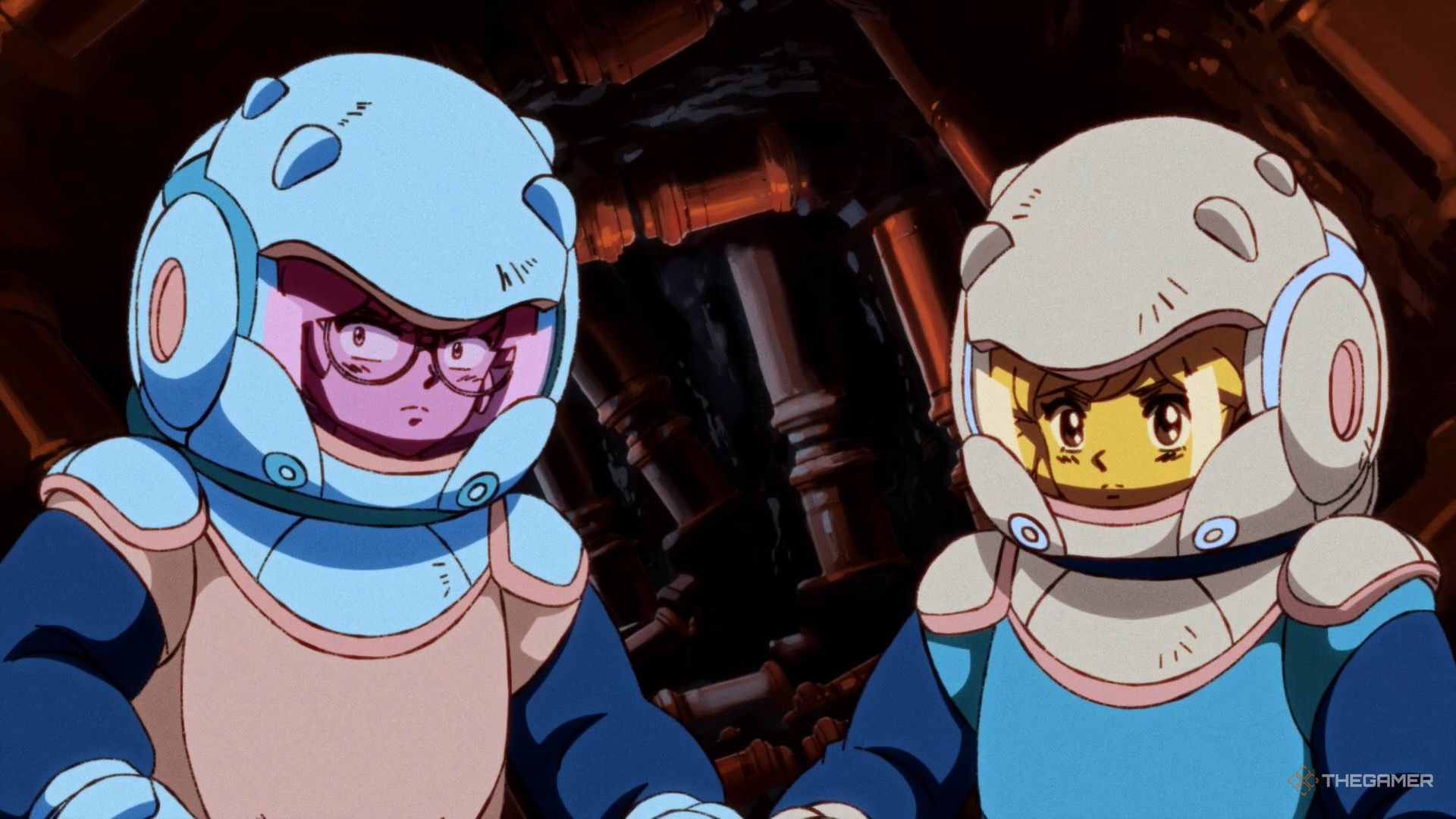
Since Orbitals is a mandatory co-op adventure, Shapefarm and Kepler Interactive have done everything to ensure players have plenty of options when organizing a session with a friend. These options even include a free friend pass, so only one player actually needs to own the game.
Whether you're playing online or locally, both players will enjoy a split-screen view that lets them work together to solve puzzles or complete tasks. To determine the best setup option for you and your player 2, check out the options and setup instructions outlined in this article.

Local Co-op is the easiest of the different methods to set up. Once you load up Orbitals, you'll be brought to the main screen. When you click 'Continue', you'll be prompted to register for Nintendo Switch Online. Ignore this, press the B button, and you'll progress to the main menu. NSO only matters if you're playing online, and if you're reading this section, then I assume you are not.
Once you're on the main menu, select the 'Play Local' option, where you'll now be prompted to connect to another controller if you haven't already.
You cannot use two individual Joy-Cons to play Orbitals co-op. Each player needs either two Joy-Cons or a Pro Controller. Note that Switch 1 Joy-Cons and Pro Controllers are compatible with the Switch 2, so one player can use these if you have them.
After connecting a second controller, you will be brought to the screen where each player will pick their character. For an overview of the differences between Omura and Maki, please see the section at the bottom of this article.
Though it obviously won't be an option for everyone, local co-op is recommended for the best overall experience. At the very least, players should ensure they have a clear way to communicate with one another while playing.

Online Multiplayer is the option for anyone who wants to play Orbitals with someone on a different Switch 2. This could be because you're in different places or simply because you'd both prefer to play on your own devices. The reason doesn't matter, just that you'll be using different Nintendo Switch 2s.


سەرچاوەی فەرمی بە زمانی ئینگلیزی: https://www.thegamer.com/orbitals-multiplayer-setup-friend-pass-maki-omura-switch-guide/