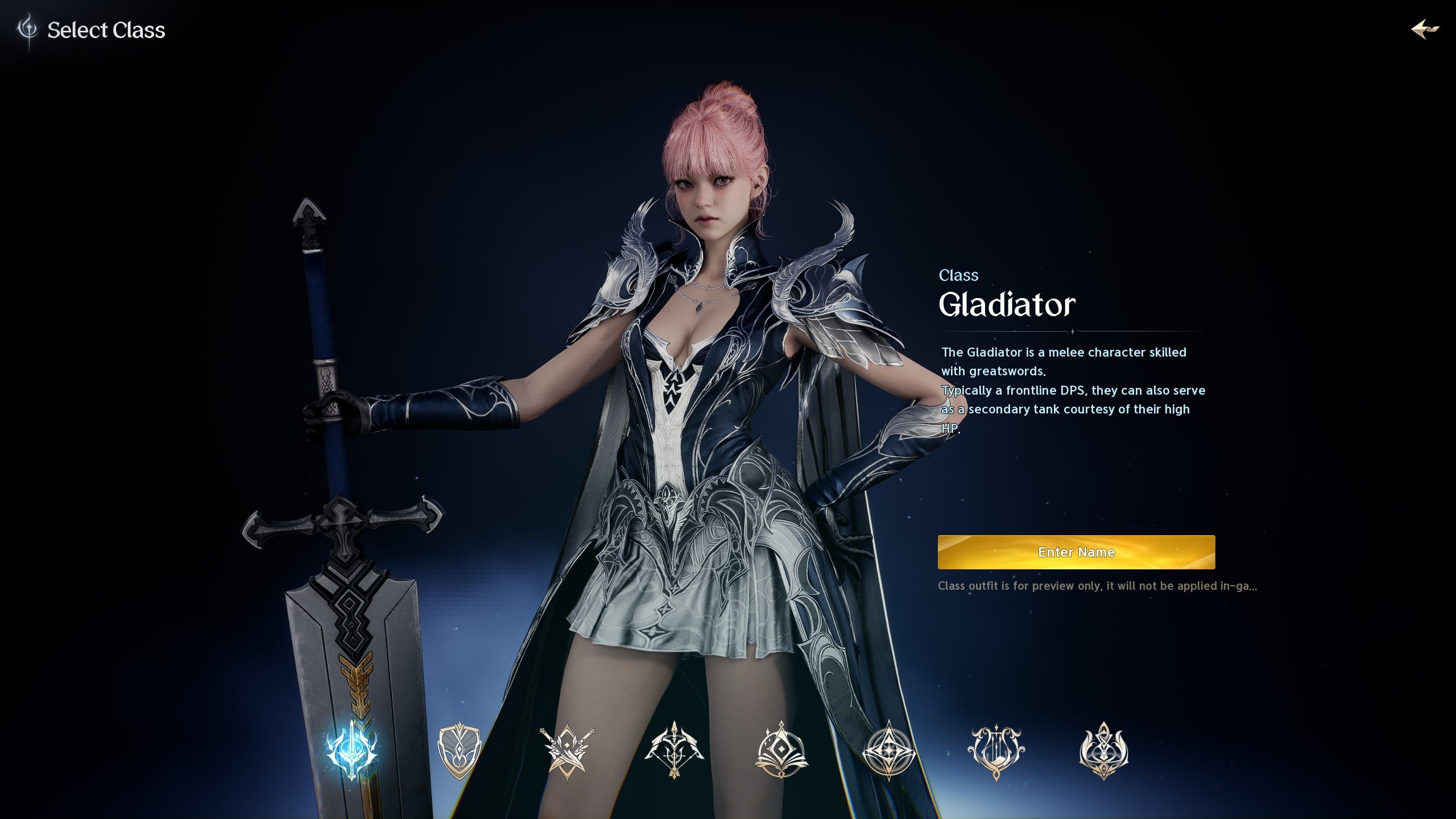
Aion 2 is out now, but if your PC isn’t set up correctly, then you won’t even be able to finish making a character.
Sounds strange, but it’s true. Aion 2 is a bit sensitive, and it expects your PC to work in a certain way that the QA team probably didn’t double-check.
In this guide, we’re breaking down how to solve the “character creation restricted” bug – or workaround it if your account has more severe issues – in Aion 2.

Close the game, as we’ll have to adjust some PC settings. This first one is easiest to do, and if these settings are not set correctly, then this is probably all you need to do.
If either of those settings were disabled, turning them on and booting up the game should see the issue now solved. If you’re still having problems, move on to Method #2.

If you’re still having problems, changing your IP settings might solve this. Note: you should only change these settings if you know what you are doing and are confident in reverting any changes should anything go wrong.
Now try launching the game again. This settings change may have fixed any problems you were experiencing. If not, move on to the third and final method.

If the above changes still haven’t solved your issues, it may be that your account has been flagged, and we’ll need to work around that problem so you can keep playing.
سەرچاوەی فەرمی بە زمانی ئینگلیزی: https://www.videogameschronicle.com/guide/aion-2-fix-character-creation-restricted-solution-and-workarounds/