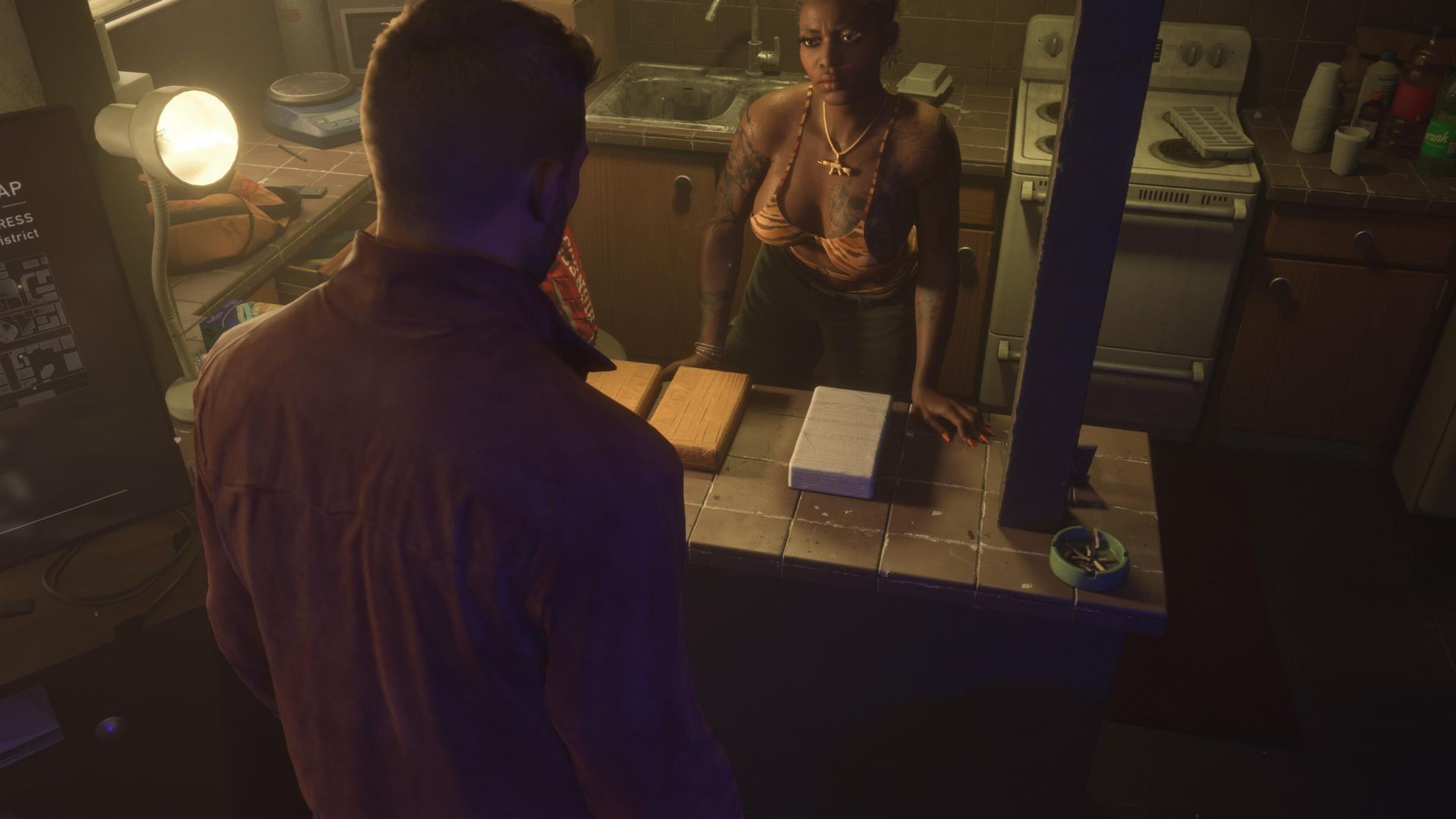
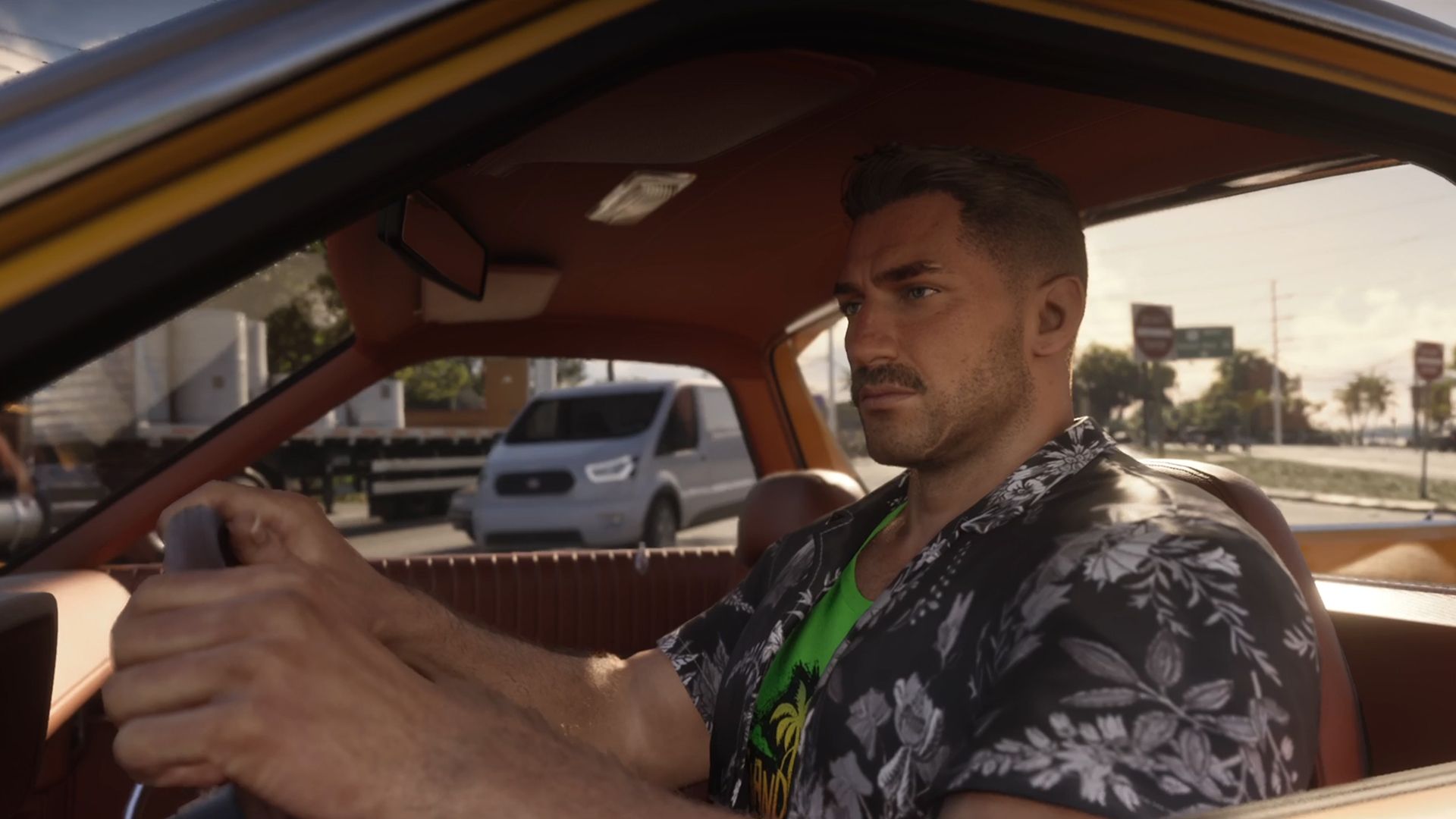
On the surface, Grand Theft Auto 6 has a pretty standard control scheme for its protagonists. You've got everything you'd expect for exploring its open-world environment, from options to sprint to aiming your gun, but there's a whole lot more to the game when you start experimenting with the inputs. Whether you're driving or jogging, Jason and Lucia are capable of a whole lot more, and these hidden features aren't thrown at you when you start the game. Instead, you're left to discover them as you play, and each one adds another layer of immersion to the experience. If you don't want to accidentally stumble on them, here's a closer look at every hidden gameplay feature we've discovered so far. For more on GTA 6, from completing side missions to finding a tricky location on the sprawling map of Leonida, we’ve got you covered with our Grand Theft Auto 6 guides hub. Go into first-person mode Want to examine the world in more detail around you? Press L2 (LT on Xbox) to highlight something, then press R3 to go into first-person mode. Ordinarily, you can't move around in this mode, but there is a glitch to force the game to lock you into first-person. Change shoulder cameras Not too big a fan of the default over-the-shoulder aiming in GTA 6? You can switch which shoulder you aim from during combat by holding the left button on your D-pad while aiming with L2. Quick-swap between weapons At the same time, you can also quick-swap between weapons by tapping Triangle/Y while aiming, allowing you to keep blastin' like you're some sort of Frank Reynolds character. Do a combat roll! Need to close the gap quickly and avoid taking a few lead injections? Tap X/A while aiming, and you'll do a combat roll. Do a backflip! To show off some athleticism, run towards water, and as you get to the edge, hold X/A on the controller to do a backflip. Pistol-whip when you're out of bullets Got a gun in your hand, but you're out of bullets? It turns out that firearms are still good for inflicting blunt-force trauma, as you can use the melee attack (Square on PS5, X on Xbox) to knock enemies out. Choke enemies out For a stealthy beatdown, start a fight in GTA 6, grapple your opponent with R2, and then hold Square/X to set them up for a chokehold. Press the indicated D-pad button on your controller, and you'll trigger the chokehold. Chain-jump across gaps If you're running across an area that has multiple small gaps, you can tap X to jump across and tap it again to keep your momentum going. Your car door is also a weapon Instead of damaging the hood of your car in GTA 6, put a dent in your door by smashing it into a pedestrian. Like melee attacks, you can hit Square/X on your controller while driving to nail an unlucky person with the door. Your feet are technically free when you're on a bike And if you're not in a car? You can relive your Road Rash days by hitting the melee button to kick someone instead while you scoot around on a bike. Change how you wear your cap Whether you like to wear your cap in a traditional sun-blocking style or backwards, you can swap the position of your headwear easily. Just open the items and weapon wheel by holding L1, select items, and navigate to your cap. Press X/A and you can switch styles. Distract enemies with some whistling, which I can't do in real life GTA 6 makes for a surprisingly good stealth game, and for those scenarios where you need to draw enemy attention, you can whistle at them. Crouch, take cover, hold L2 to aim at a target, and press Triangle/Y to whistle. Loiter like a champ with leaning actions One of the cooler features in GTA 6 for photography fans is the option to lean against walls and railings. When you're near a wall, you can hold Circle/B to lean against it, and when next to a railing, press L3 to rest on that structure--pretty cool for when you want to take a photograph of Jason or Lucia while they chill out. If you're on solid ground, you can also hold down Circle/B to sit down. Choose your favorite hand If you want Jason or Lucia to emulate your dominant hand while they're holding something, press left or right on the D-pad. You can also make them hold two items at the same time, in case you want to show off that you're one of the lucky even-handed few. Auto-drive to destinations One of our favorite modes in the game--especially when we want to soak in the scenery of Vice City-- auto-drive is pretty easy to miss . While you're driving, hold the down button on the D-pad, press Start to enable Cinematic Mode, and then hold Circle/B to switch to auto-drive mode. You can also set the speed between slow/normal/fast for your commute. Quick-scan vehicles Instead of navigating to your WAiNK app, just hold Up on your D-Pad to bring it up instantly. Duck while driving so you can avoid being shot You're going to be in plenty of high-speed shootouts in GTA 6, and if you want to keep your head on your shoulders, hold the Circle/B button while driving to duck down. You have turn signals; use them Unless you're driving the equivalent of a BMW in GTA 6, you should use turn signals. While you're in your car, tap left or right on your D-pad to use these lights. They'll also cancel automatically after you've made a turn. Switch car headlights on and off Want to drive in stealth mode at night? Tap the circle button to turn off your headlights. Just don't be too surprised if other motorists flash you with their lights to remind you that you're driving dark. Leave the engine running Want to prepare your vehicle to be in getaway mode for a heist that you're about to pull off? You can leave the engine running by double-tapping Triangle/Y as you exit your car. Just be aware that this could invite car thieves to swipe your vehicle, since you're leaving it out there and purring. If you do this while piloting a boat, it'll also sail on while you explore the deck. Push vehicles In case you're stuck in a ditch or out of fuel, you can push your vehicle to safety. Position yourself behind, next to, or in front of your car (or boat), and keep pushing your character into it with the left stick until they switch to a pushing animation. Hold Square/X to move the vehicle, or flip it in case it has been overturned or beached. Leave your car door open You can also shave valuable seconds off your getaway by keeping your car door open. As you exit your car, press triangle once. Slide across your car hood For some Dukes of Hazzard action, sprint towards your car, aim for the hood, and tap X to slide across it. Yeehaw . Drop anchor If you don't want your boat to sail away without you while you search the ocean depths for treasure, make certain that you drop anchor. Press and hold left on the D-pad while piloting a boat, navigate to the vehicle menu with the right analog stick, and choose Anchor to lower it. Additional vehicle controls On that note, you can also find extra vehicle controls by bringing up the radio menu (press and hold left on the D-pad), and using the right analogue stick to navigate up. Turn radios on and off instantly If you're anything like me and your ears start to bleed when you boost a car that has the country music station turned on, double-tap left on the D-pad to instantly switch it off. You can smoke while driving Not that you should because it's bad for your health and both hands should be on the steering wheel, but you can hold L1 to bring up your items wheel, select cigarettes or a cigar, and then select R1 or R2 to start puffing away. Flick a cigarette You can also flick your cigarette when you're done smoking by holding the R2 button. Aim, and do that after you've poured out a trail of fuel on the ground, for extra cinema-style points. Flip the bird while driving The universal hand sign for telling someone that their driving is not up to par can easily be done by aiming at a motorist with L2 and then pressing R1 on your controller. Trash talk drivers Or if you need to give some verbal abuse, pull up next to another driver, press L2 to aim at them, and press R3 to give them some grief. Just don't be too surprised if they respond violently to your provocations.

 GamesRadar+
Gaming
1 ڕۆژ پێش