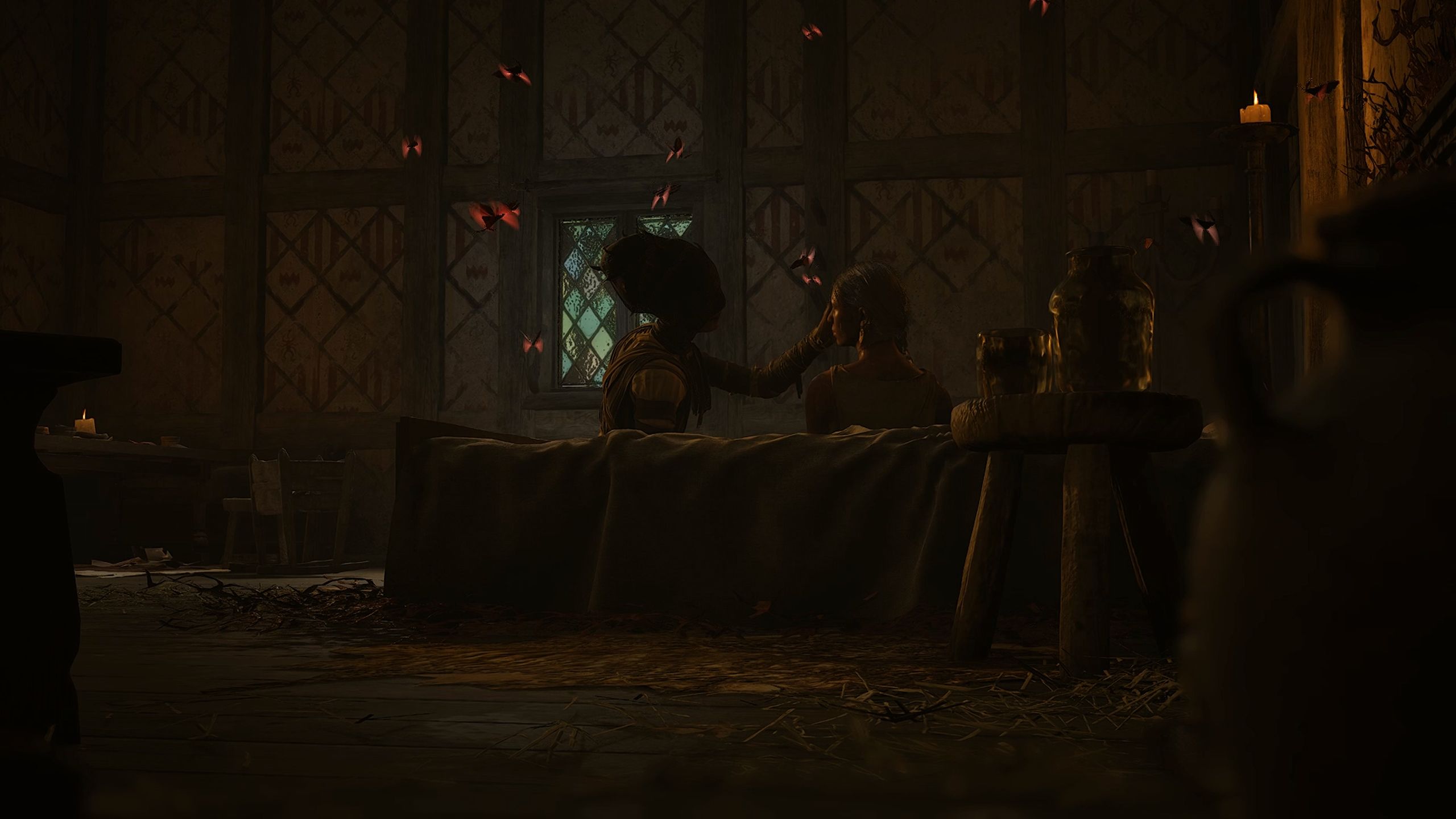

The Blood of Dawnwalker is arguably one of the most graphically intensive games that I have tested out this year on my PC, and there are a fair number of settings that you will need to tweak. If you have a high-end PC, you should be able to run the game without any problem. If you are closer to the minimum specifications, there are plenty of settings that you will need to change to ensure that the game runs smoothly.
Before I dive into the settings, here’s a quick rundown of my setup.
While my setup is not that close to the minimum requirements, I still needed to make certain changes for this guide. I have focused on a set of settings that will immensely help those whose PC might not be high-powered by today’s standards. If you have a decent setup, you won’t need to change the default settings too much.
Here’s a full list of settings to tweak before you start to enjoy your adventure.
For The Blood of Dawnwalker, it’s important to keep Upscaling turned on. Go with your preferred method that suits your GPU. I would focus on Performance over Quality to ensure that the game runs better.
Tags:
The Blood of Dawnwalker
سەرچاوەی فەرمی بە زمانی ئینگلیزی: https://www.destructoid.com/best-the-blood-of-dawnwalker-graphics-settings-for-no-lag-and-max-fps/