With the price of consoles, controllers, games, groceries — everything — shooting up over the last few years, you're likely keen to save pennies where you can. It's one thing to push the boat out for a new Switch 2, but add-ons and accessories can stretch budgets to breaking point. Is a $90 / £75 Pro Controller 2 really an essential purchase when your old Switch 1 Pro Controller is working just fine?
Justifying that sort of money (or more if you want that fancy new Zelda one) might be tough, but what if you could upgrade your old Pro Controller with back buttons and broader functionality, and throw some analogue triggers into the bargain? That's what JSAUX is proposing with the Voidjoy Elite Extender, an add-on which attempts to give your old Pro a glow-up into something resembling other premium pads.
The question is if this unit gets anywhere near the comfort and utility of pricier pads or if you're better off saving up and avoiding this halfway-house solution. Ultimately, it's closer to the latter from my experience: a slightly clunky solution to a single problem, and probably not the problem you're looking to address in the first place - the analogue triggers don't work with Switch games.
I'll come back to the triggers in a moment, but first let's look at the value proposition. For the sum of $39.99 USD + shipping (sorry Europeans, it looks like the EU's new user-serviceable battery regulations mean this won't be sold in the region), you get a gadget that includes back buttons and optional extra triggers, plus turbo and 42-step macro options, and a 1800mAh battery adds extra juice to your old pad. Switch 2 wake-up is advertised, although I couldn't get that working on the latest update (1.12).
The Extender also plays nicely with Windows, iOS, Android (including touch-only games), and Raspberry Pi, and you can test sensitivity, load presets, remap buttons, create macros, calibrate deadzones and analogue triggers, and all that game, as you'd expect, via a 'KeyLinker' app which functions well enough. You can also swap the colours of the little LED windows on the back.
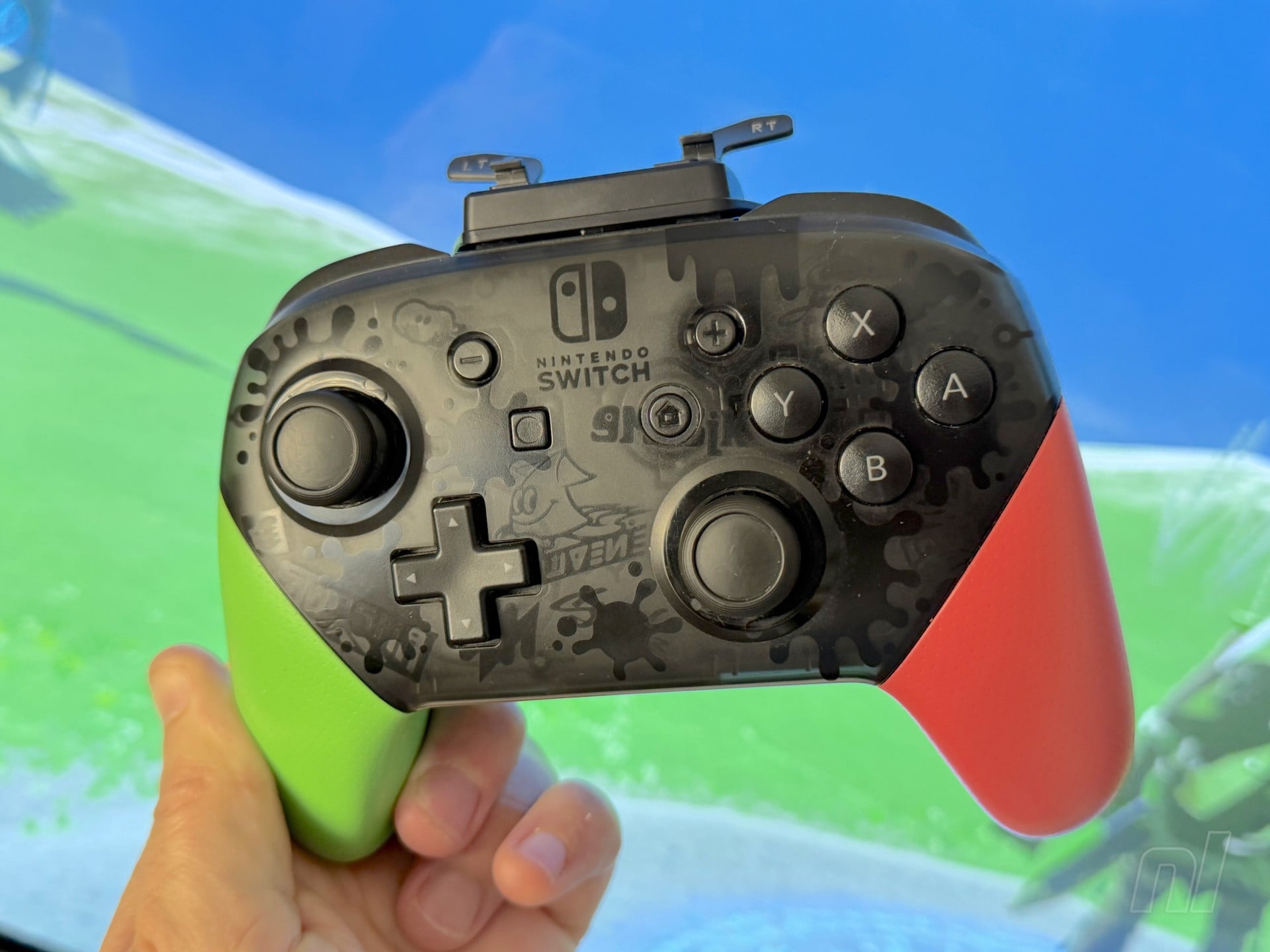
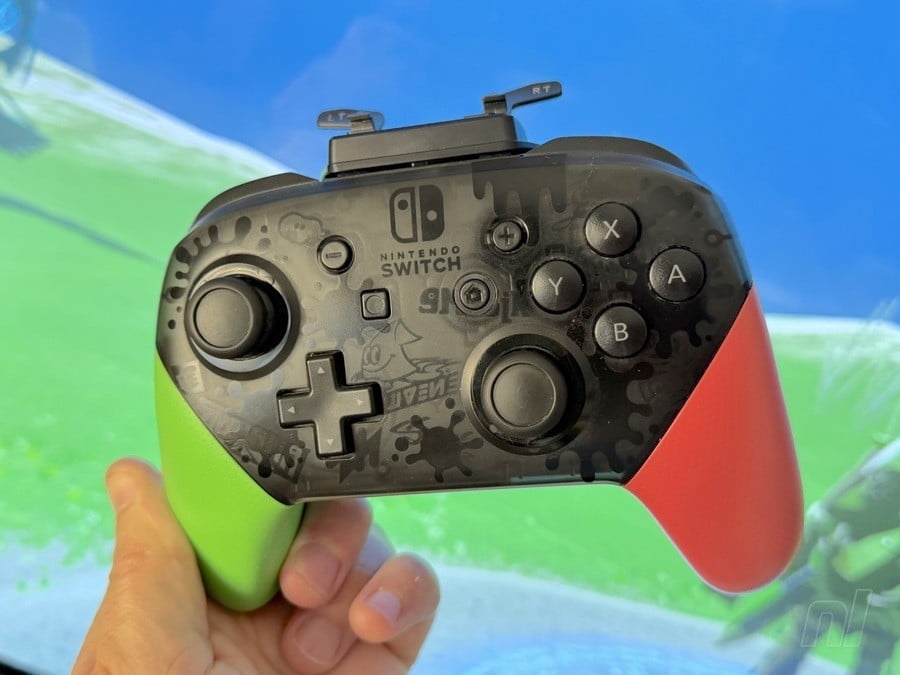
Connecting to your Switch 1 Pro Controller via the USB-C port, it fits fairly flushly around the top and rear of the pad, giving it little bunny ears if you have the removable metal triggers attached. It reminded me of Floyd, the little floating guy from Jet Force Gemini, so that's a point in the 'pros' column.
The device attaches solidly enough. You can still see a little gap along the top, but I had zero issues with it coming loose. Once paired, your Switch recognises it as a different pad and, due to having its own battery, you can charge your Pro Controller as you play.
The two back buttons — labelled 'P1' and 'P2' — function as advertised, although you'll need fairly long fingers to reach them. Using the app, you can map these to whatever you like. Testing the Extender over many hours with Tears of the Kingdom, I mapped 'sprint' to the back buttons for easier run-jump manoeuvres. They're not as elegant as 'GR and 'GL' on the Switch 2 Pro due to their clickiness and the Extender's chunkier form (they stick out quite a bit), but they work well enough.
سەرچاوەی فەرمی بە زمانی ئینگلیزی: https://www.nintendolife.com/reviews/voidjoy-ga-10-elite-extender-for-switch-pro-controller-the-pros-dont-outweigh-the-mod-cons