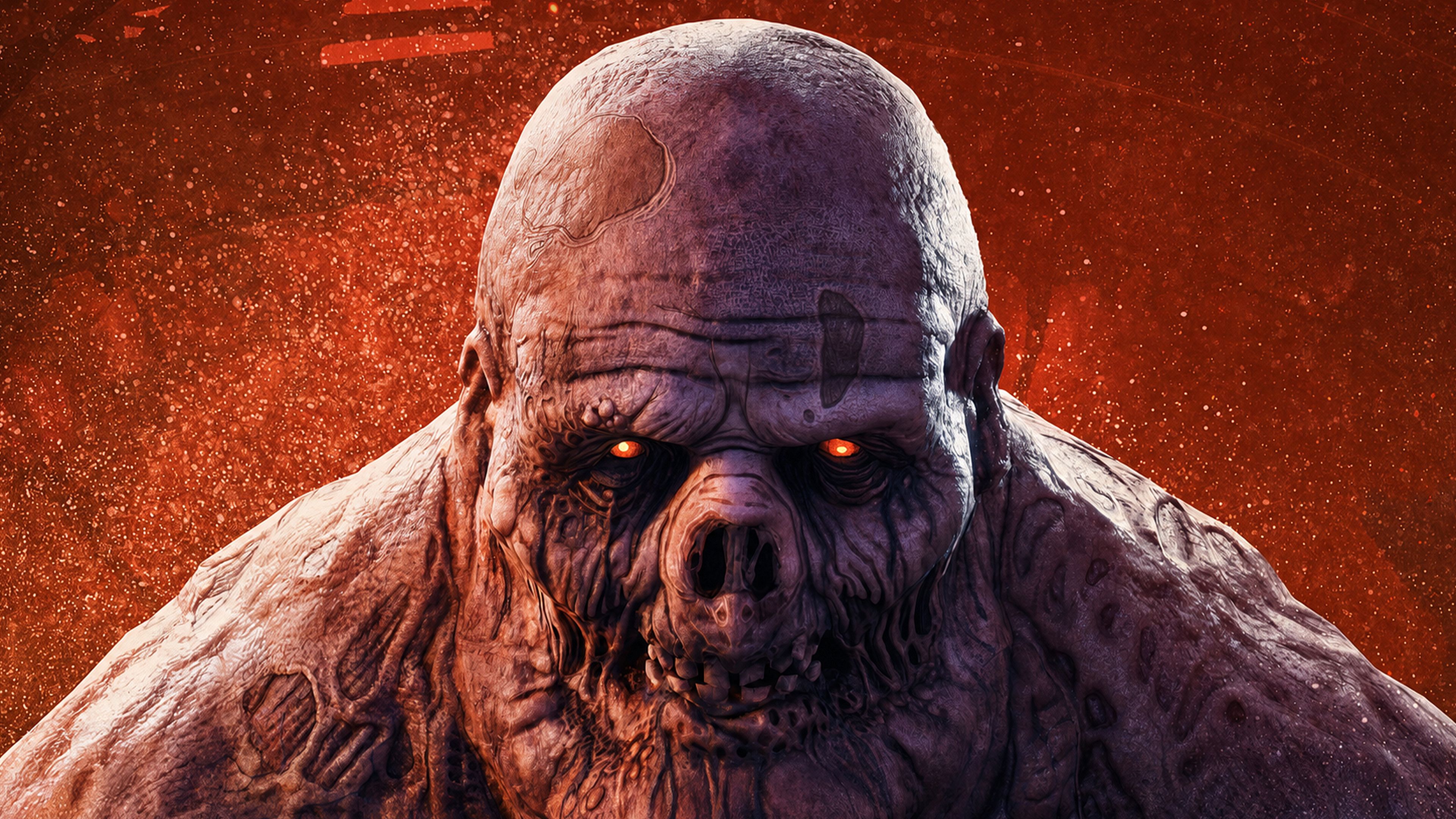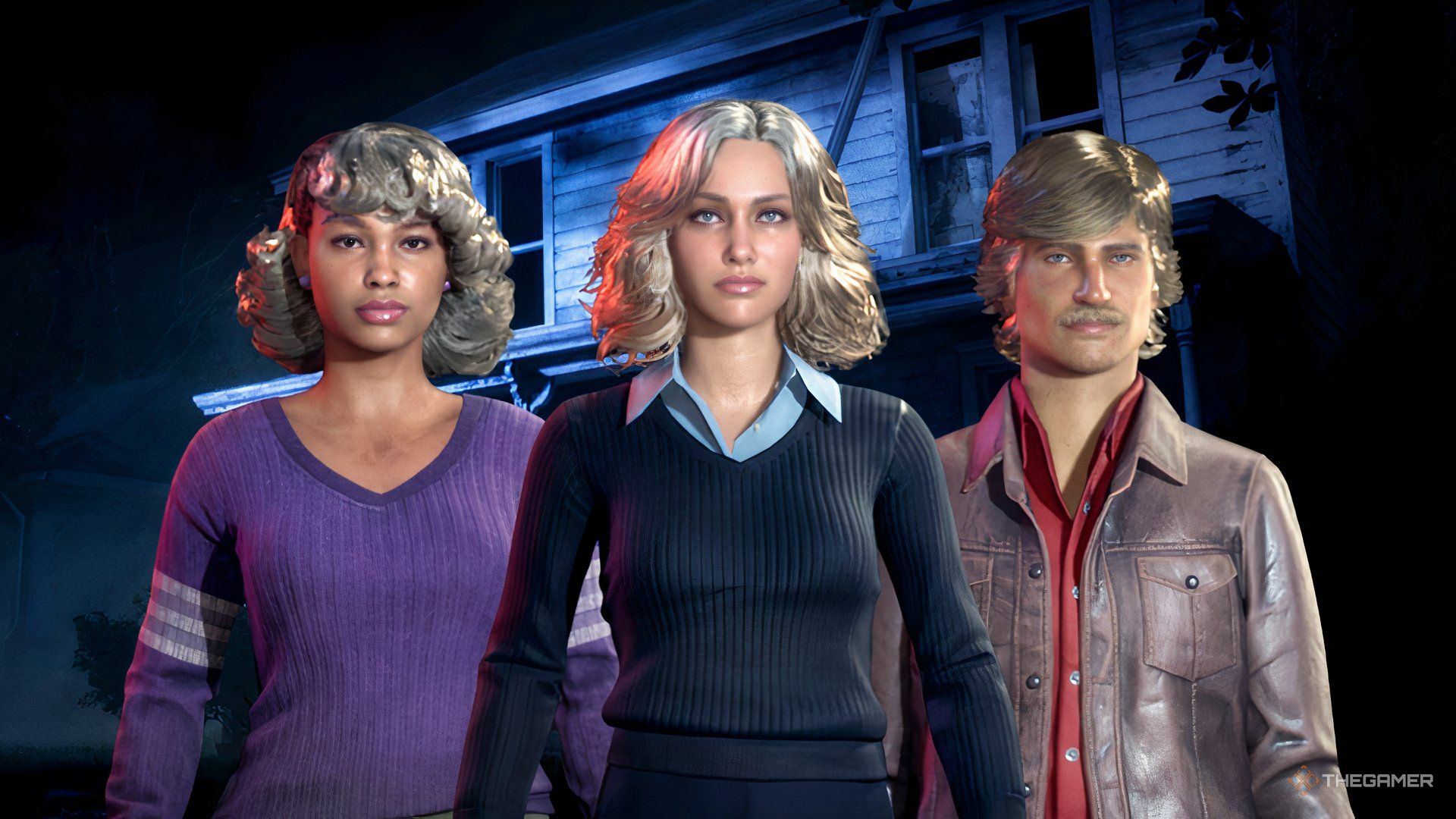
Michael Myers is back, and unfortunately for the residents of Hadenfield, he has brought his favorite hobby with him: making everyone's evening considerably worse. Halloween: The Game is an asymmetrical horror game that puts one player behind the iconic mask while the rest take on the role of civilians trying to survive the night.
Teamwork is important, but so are nerves and knowing when running away is a perfectly reasonable life choice. If you are planning to brave Hadenfield with your friends, there are a few multiplayer features worth knowing before you jump into a match. From getting your friends together to playing across different platforms, here is what you need to know about multiplayer in Halloween: The Game.

There are two ways to play multiplayer in Halloween: The Game.
When you first open the Friends menu (either before or matchmaking or within a found lobby), the game will automatically display friends from the platform you are currently playing on. For example, Steam players will initially see their Steam friends. You can use this list to invite friends who are playing on the same platform.
If you want to play with someone on a different platform, you will need to add them through the game's crossplay friends system. Open the Friends menu by selecting the icon in the top-left corner that looks like three people. From there, navigate to the second tab. This tab contains your unique friend code, which you can share with friends on other platforms.
Your friend will need to open the same menu on their end and enter your friend code to add you. Once they have been added, you can use the Friends menu to manage your party and send or receive party invites.
Your current party and incoming invites can also be found in this section. Once everyone has joined your party, you can start a private match together.

Yes, Halloween: The Game supports crossplay. Players on different platforms can add one another using the game's friend code system and play together in the same multiplayer matches.
سەرچاوەی فەرمی بە زمانی ئینگلیزی: https://www.thegamer.com/halloween-the-game-multiplayer-friends-crossplay-guide/