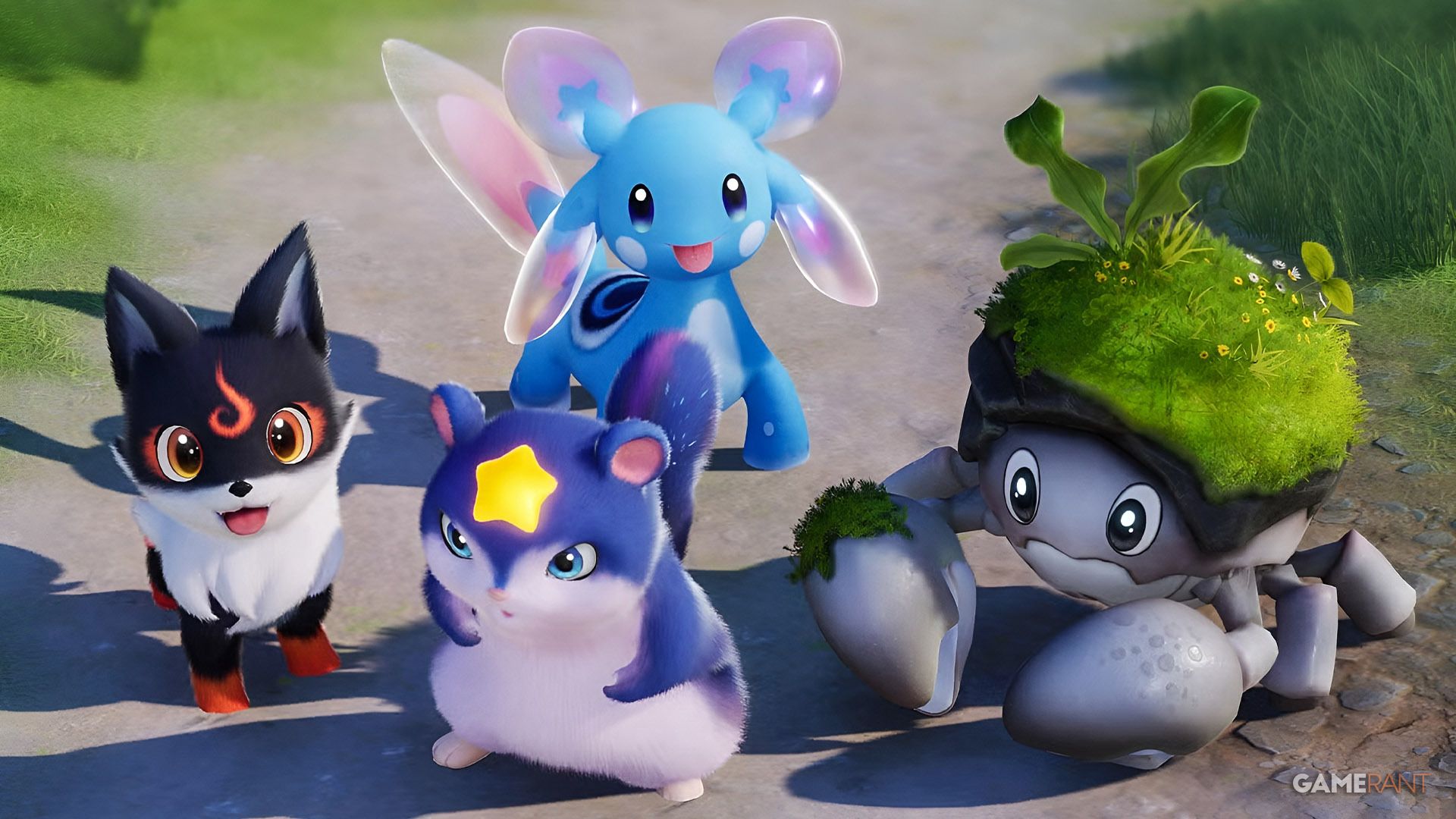
If you like creature catching (and playing with friends), then Aniimo may be your answer. Aniimo is an open-world RPG where you catch different creatures, level and evolve them, and Twine with them to bring battling to a new level. With social events like Aniimo Together, where you can get special items by playing with a team, you might be wondering how you can get your squad together, so we'll explain below!

When you open your menu, your UID will show up under your name. Next to the number is a square with a plus sign in it. You can click to copy your number and send it to your friends.

In the second row of the menu, there's a block that says Friends.

This will open your friends list, where you can click the Add Friends button at the bottom of the menu. At the top, you can search for your friends by their nickname, note, or UID. When their name pops up, use the Add button on the right side to put them on your friends list.
If you don't have anything typed, it will have a list of recommended friends based on who would be playing at your level.

On the inside part of the menu, you will see a tab with a bell and a plus-sign icon. This is where you will see people who have asked to friend you.
In your main menu, the third row has a block labeled Party. Here you will be able to invite people to join your party and work together on a challenge target.
In the party menu, you'll select Create Party in the bottom right-hand corner. If you haven't already, select a challenge target by clicking the arrows in the bar at the top middle.
سەرچاوەی فەرمی بە زمانی ئینگلیزی: https://gamerant.com/play-aniimo-with-friends/