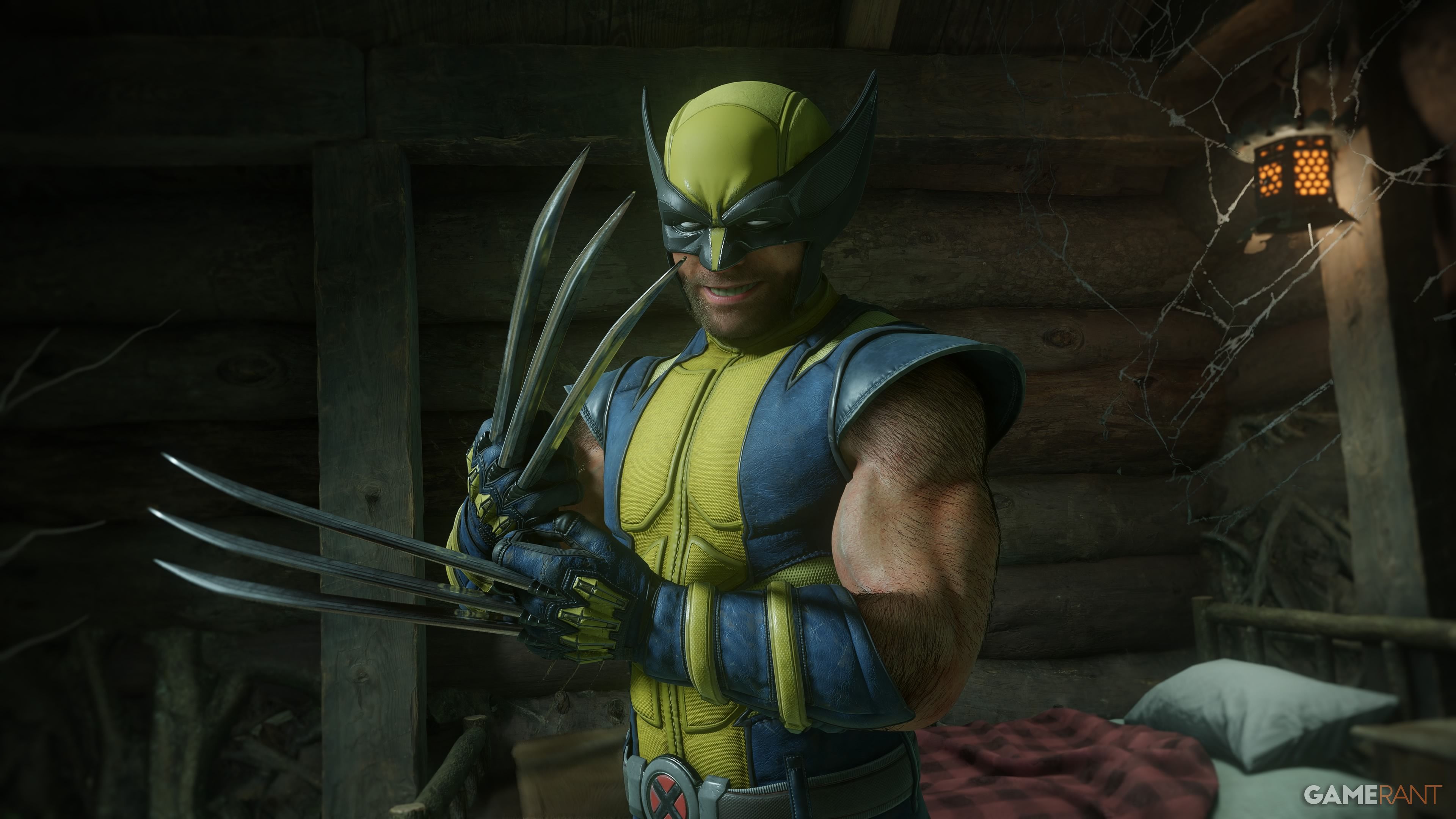
Marvel's Wolverine has many settings and accessibility features, and before you jump into your first mission, you might want to tweak some settings to provide you with the smoothest and most fun experience. The settings below have been tweaked for the average player, so if you require more accessibility options, or you want the game to feel harder or easier, then you might want to change the settings we display below.

The default difficulty, but tweak it if you want it easier or harder.
Default option for parry and dodge windows.
Allows you to press L3 to lock onto the nearest enemy to target them.
Won't reduce the movement speed of targets during chase sequences.
This isn't the same as the blue Scent trail, which cannot be turned off.
Won't activate magnetization toward traversal sections.
Default game speed that isn't reduced.



سەرچاوەی فەرمی بە زمانی ئینگلیزی: https://gamerant.com/marvels-wolverine-best-settings/