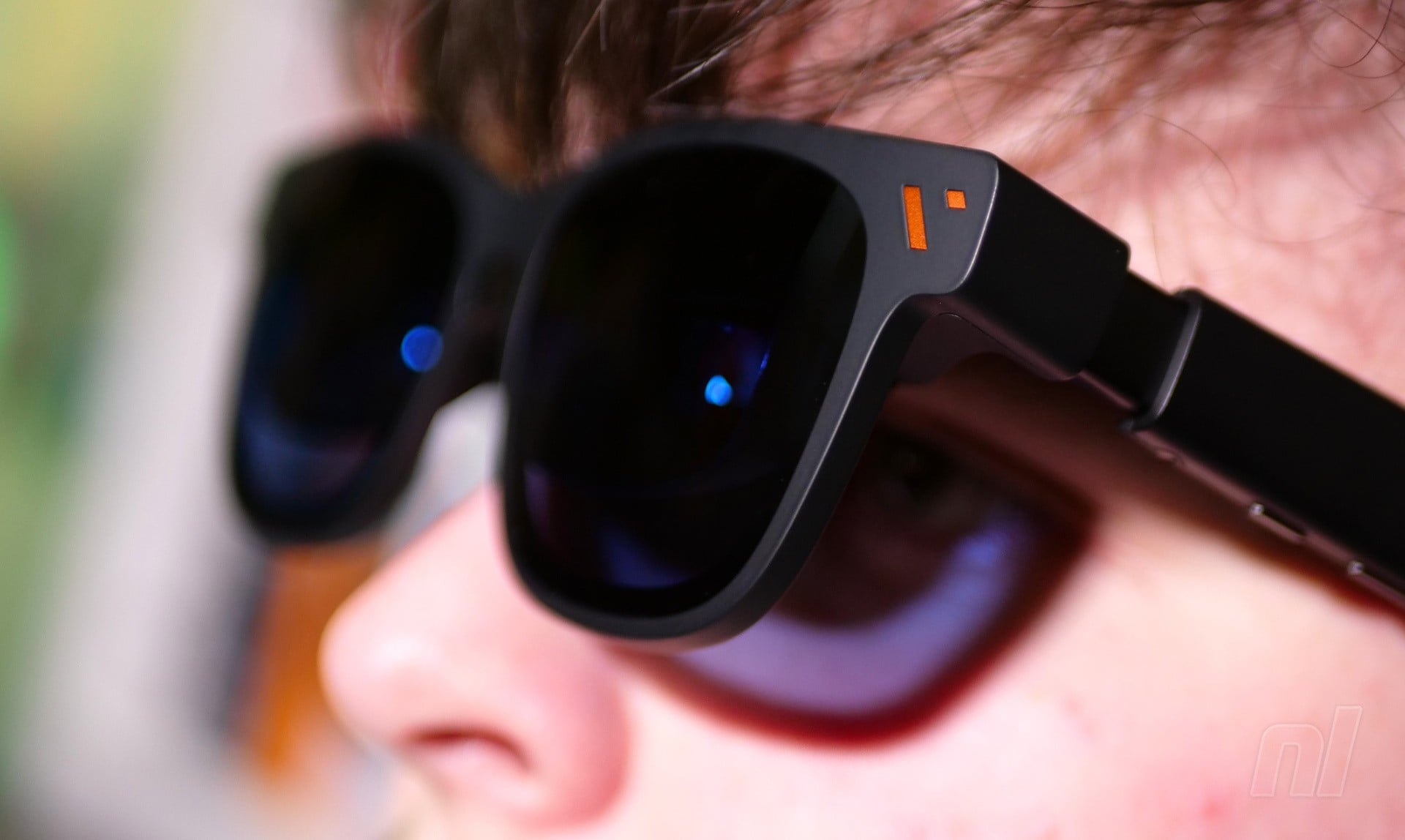
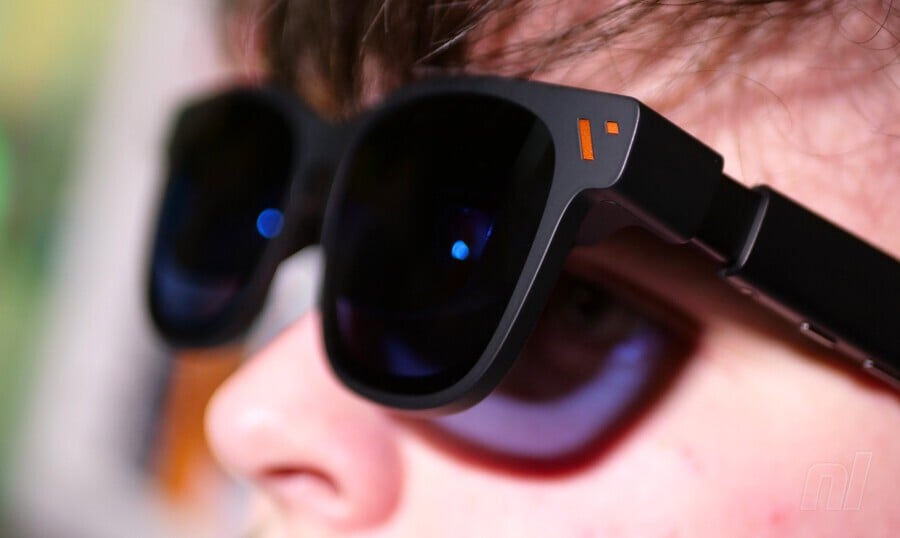
While many people were confident that XR glasses were nothing but a fad, the market for this tech appears to have grown over the past couple of years, and it's not hard to see why.
These glasses are now lightweight enough to wear comfortably, and the tiny screens inside are sharp and bright, which finally means they can truly live up to the promise of delivering a big-screen experience without the need for an insanely expensive TV.
The catch is that, while they're still more cost-effective than a massive television, many of the top-line glasses aren't cheap; the Viture Beast XR specs we covered a while back cost $550, for example – and that price doesn't include the mobile dock required to connect them to your game console.
The Beast XR glasses sit at the top of Viture's price range, and the company released a more wallet-friendly alternative this year: the Pro 2 XR glasses ($299). I've gone hands-on with a pair alongside Viture's new Mobile Dock Mini ($79), a vast improvement over the previous model (but I'll get to that in a moment).
While the Pro 2 glasses are pitched as entry-level, the specifications are impressive. According to Viture, they offer a 'screen size' of 146 inches – and getting a TV with that kind of display real estate would cost significantly more than the $300 being asked here. The glasses are Viture's thinnest ever, while the 'UltraClarity 3.0' tech delivers a pin-sharp image that doesn't strain the eyes, even after extended periods.
The twin screens are Sony Micro-OLED panels with a maximum brightness of 1,600 nits, a 50° field of view, and a 120Hz refresh rate. I especially like the fact that both screens have their own 0 to −5.0D diopter dials, which allow you to adjust each one to fit your unique optical profile.
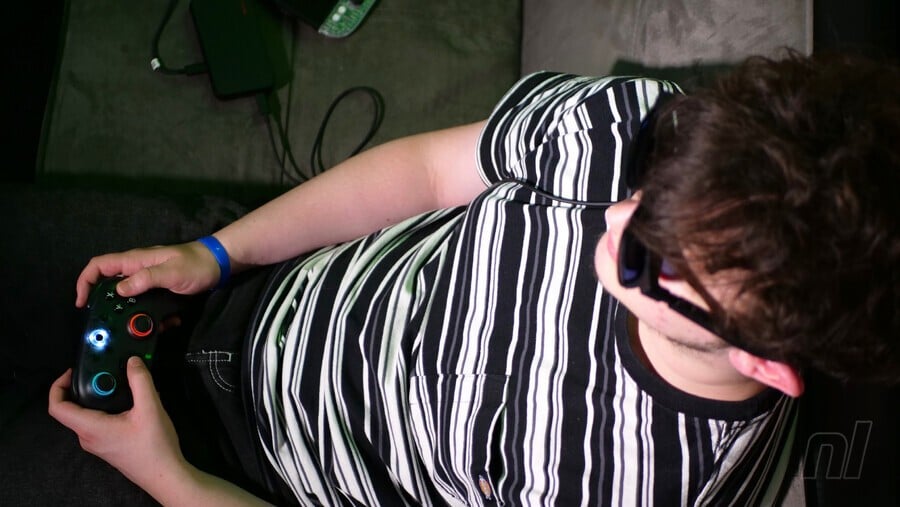
While the Viture Pro 2 XR glasses don't look as natural as a real pair of glasses (they stick out too far from your face), they're still light and comfortable to wear. A USB-C cable connects to the right-hand arm, and you plug this into your viewing source of choice. A rocker switch on the left-hand arm, when combined with another button, lets you switch between volume and brightness adjustment. The speakers sit on the upper side of each arm, and while they're decent enough, they're not quite as punchy as a good pair of headphones.
Thankfully, the visuals are rock-solid. While this pair doesn't offer quite as big a 'screen' as the Beast XR glasses, the image quality is fantastic, and even at 50% brightness, it delivers superb quality. You can't adjust the position of the screen, however – but I found that it was generally in the right place regardless.
سەرچاوەی فەرمی بە زمانی ئینگلیزی: https://www.nintendolife.com/features/hands-on-viture-pro-2-xr-glasses-big-screen-on-a-budget