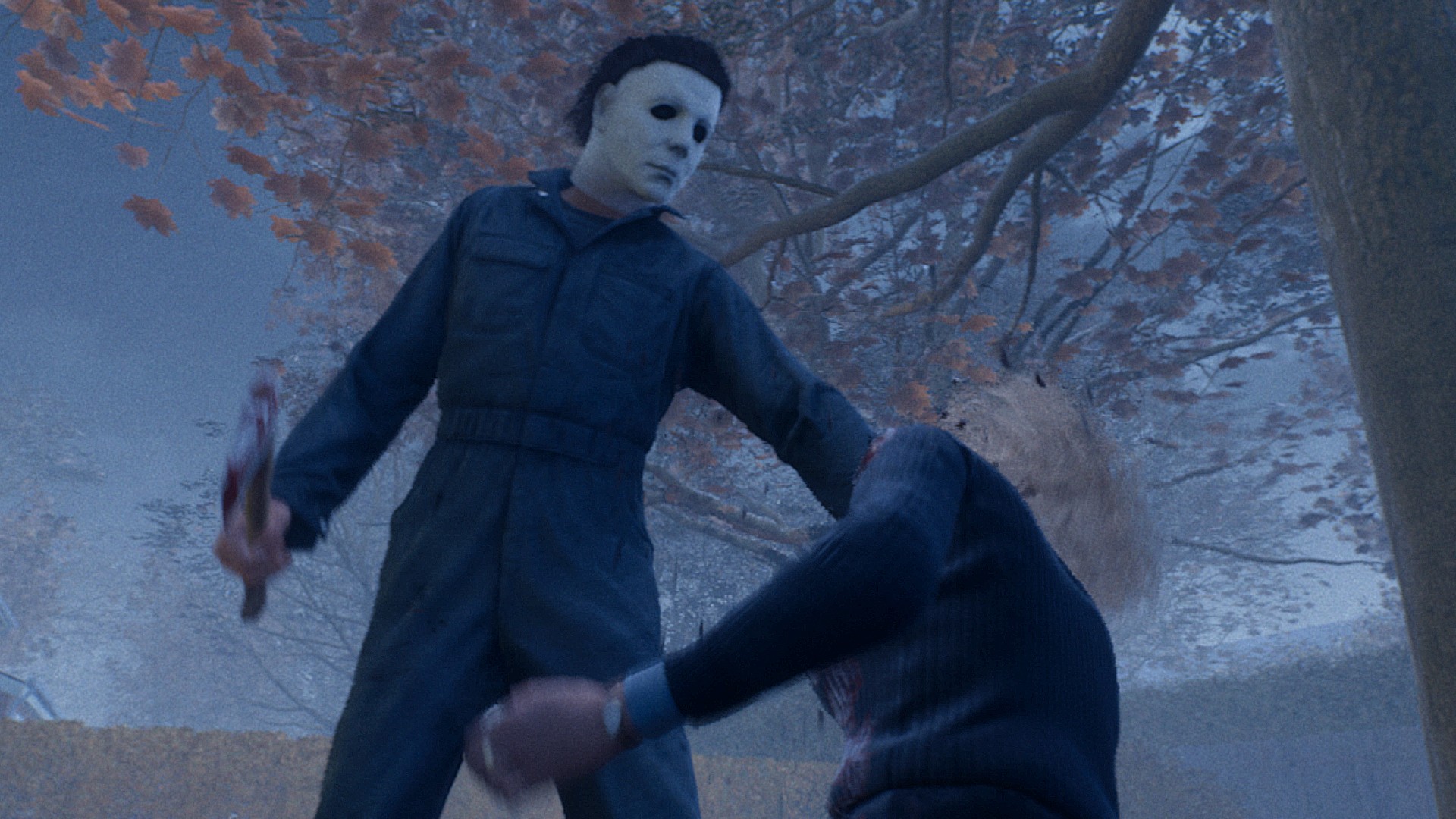
If you're wondering how Halloween the Game crossplay works or whether you can save your progress across platforms, I've got all the answers for you right here. If you get a little confused between these terms, you're not alone, as they sound similar while meaning quite different things.While crossplay refers to your ability to play with others on different platforms to yourself, cross-progression is to do with your own progress, and whether that carries across if you own a game on multiple platforms. With Halloween the Game available on Xbox, PlayStation, and PC, both are fair questions, but only one has a good answer, as you'll see below.

Halloween the Game does have crossplay, enabling you to play with others on different platforms to yourself, be they friends or strangers. Therefore, there are two elements to crossplay, and I'll explain below both how to turn crossplay matchmaking on and off in Halloween the Game, as well as how to add friends on other platforms.
If you want to toggle crossplay on or off, head to the Multiplayer Tab, then press Tab on keyboard or the Menu button on any controller, before selecting the Settings option. In Settings, tab across to General, then toggle cross-play matchmaking on or off as you wish.
To add crossplay friends, meanwhile, head to the Multiplayer Tab, then press Tab on keyboard or the Menu button on any controller, before selecting the Friends icon, indicated by three silhouettes of people. Here, you'll see only friends on the same platform as you, whether they own the game or not, so you need to tab across to the Crossplay menu, the second tab on the menu bar, where you'll find your friend code and a box to enter others' codes. On this page, you can either reveal your own unchanging code to send to others, or enter someone else's to send them a friend request.
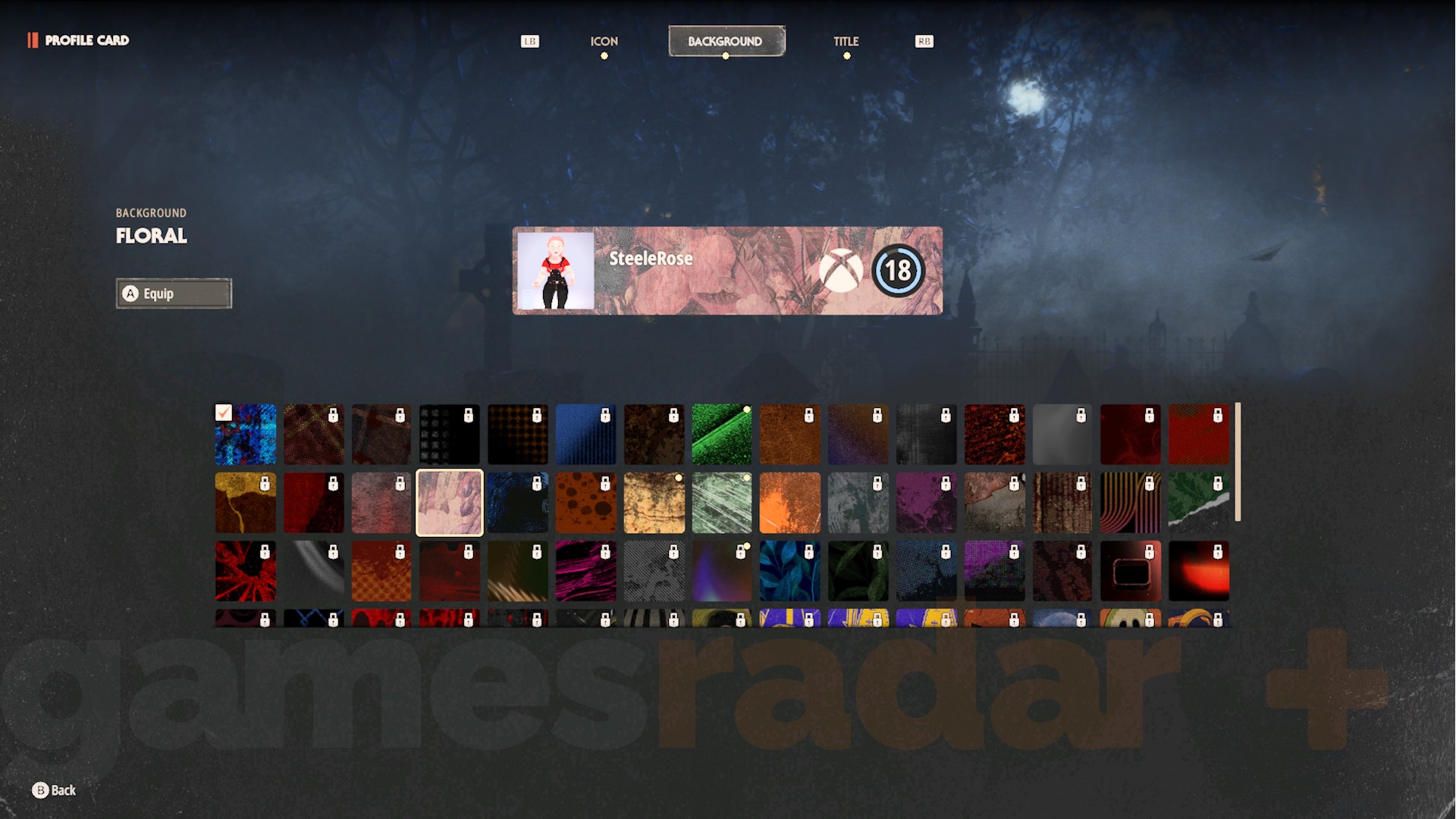
Unfortunately, unlike crossplay, there is no cross-progression in Halloween the Game. That means that, if you're playing the game across multiple platforms yourself, your progress, including unlocked customization items, does not carry across. You'll need to complete challenges on all platforms to unlock items on each, and your player level also increases separately.
This also means that any Halloween the Game codes you redeem should be claimed on all platforms separately as well.
© گەیمسڕادار+. بەبێ مۆڵەت بەرهەم نەهێنرێتەوە.
هەفتانە هەرسکردنەکان، چیرۆکەکانی ئەو کۆمەڵگایانەی کە خۆشت دەوێن و زۆر شتی تر

سەرچاوەی فەرمی بە زمانی ئینگلیزی: https://www.gamesradar.com/games/horror/halloween-the-game-crossplay-cross-progression/