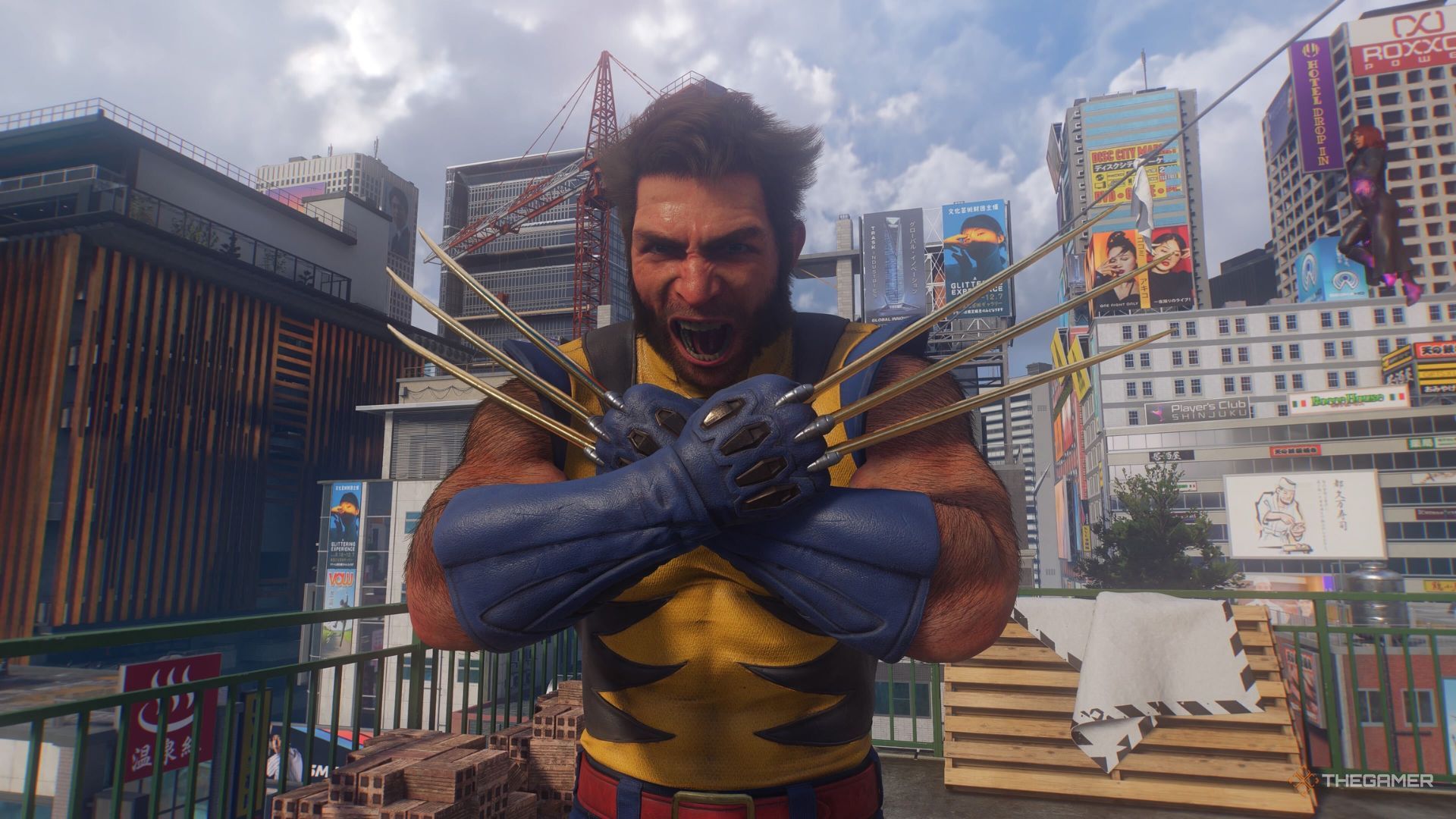
Just like the Spider-Man games, one of the best parts of Marvel's Wolverine is the variety of Suits that you unlock over the course of the game, from the signature Battle Reborn to classics like Ultimate Yellow.
Many of the costumes in Marvel's Wolverine come with some sort of headpiece, be it a cowl, a hat, or even an eyepatch for one very specific suit. If you'd rather see Logan's face, there's a simple fix.

Marvel's Wolverine doesn't make this very obvious, but you actually have the option to remove the cowl or head accessory of many of the game's suits, which lets you get a better look at Logan's face. Considering all of the work that's gone into motion capture and detailed animations, it's a pretty key inclusion if you want to get the most out of cutscenes.
Wolverine also simply looks better without the cowl in many of his Suits. Take the Incredible outfit, for instance, which goes from a somewhat silly throwback to a killer look.
To do this, you simply need to go into the Suit menu, select the Suit you want to equip, and then press the Triangle button to "remove cowl". Doing so will unequip whatever head accessory Logan is wearing in that particular outfit. Most of the time, that's just a helmet or cowl, but it can sometimes remove a hat or an eyepatch.
سەرچاوەی فەرمی بە زمانی ئینگلیزی: https://www.thegamer.com/marvels-wolverine-remove-cowl-headgear-suits/