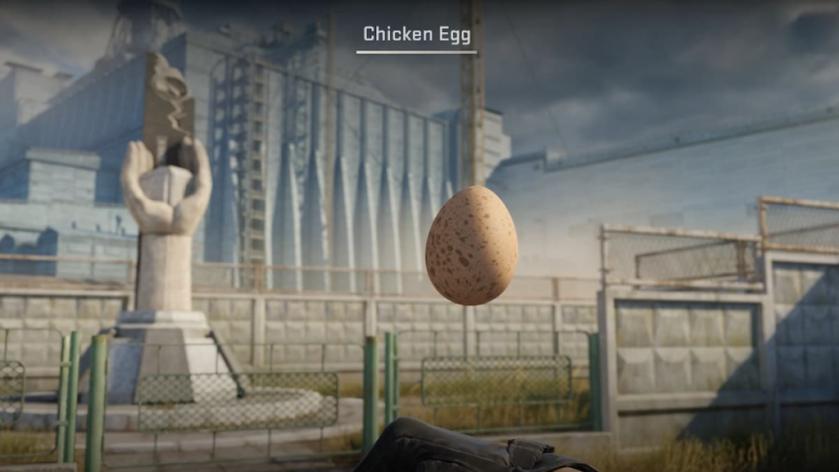

The Rush Hour update has added a flavor of game keeping in CS2 as we can now hatch and raise our own chicken. Once you have Prime Status Upgrade enabled for your account, you can then start your key steps towards raising your own Chicken.
To kickstart the process, you’ll need access to the Prime Status Upgrade on your account. You can then receive your egg from the Weekly Care Package Drop. This part is easy, but what comes next is the more difficult part.
Once you receive the egg, it will rest on your screen in the nest, and you will find a text: “Your egg will hatch soon.” To complete the incubation period, you have to log in every day and check on it. This part is necessary for you to quickly get access to your chicken. If you miss a day, you will get the following message: “Never loved, Never hatched. Those two are related.”
Once the incubation period is over, the chicken will hatch. Now, you’ll need to collect its food from the Weekly Care Package. You can find the feed from three types of bag.
If you’re about to run out of food, you’ll receive a warning prompt. Additionally, the feeding process cares even when your chick has grown up because it can leave you otherwise.
سەرچاوەی فەرمی بە زمانی ئینگلیزی: https://www.destructoid.com/how-to-raise-a-chicken-in-cs2/