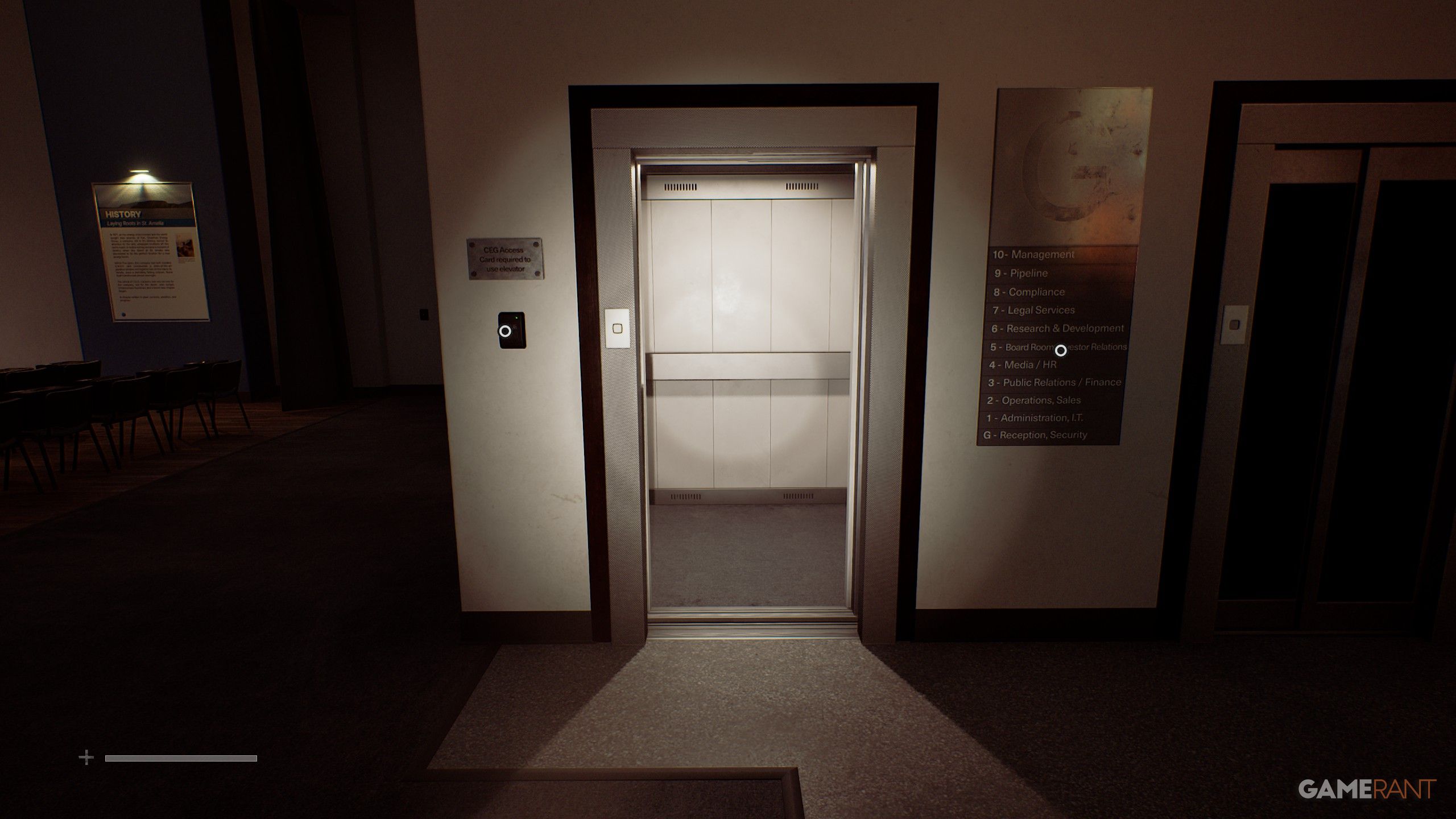
Once you reach the CEG Employee Lockers, you'll find the CEG Employee Locker List on the computer that will direct you to 3 separate lockers. Locker 17 at 5 South Brae is directly linked to the Disk Case Key, so you'll find a full walkthrough of the 5 South Brae puzzle here so you can get the Disk Case Key, unlock 5 South Brae, solve the Floppy Disk puzzle, and get the Mechanical Part you need for the Atlas Gate.


Enter the CEG Employee Lockers building, and you will find the "Lost and Found" note on the computer. This will allow you to interact with the lost and found locker in the office and enter the code 772 to get the South Brae House Key.

Return to Atlas Square and head up the south stairs to enter 5 South Brae, where you can then head upstairs to the bedroom to find the Disk Case Key inside a bedside drawer.
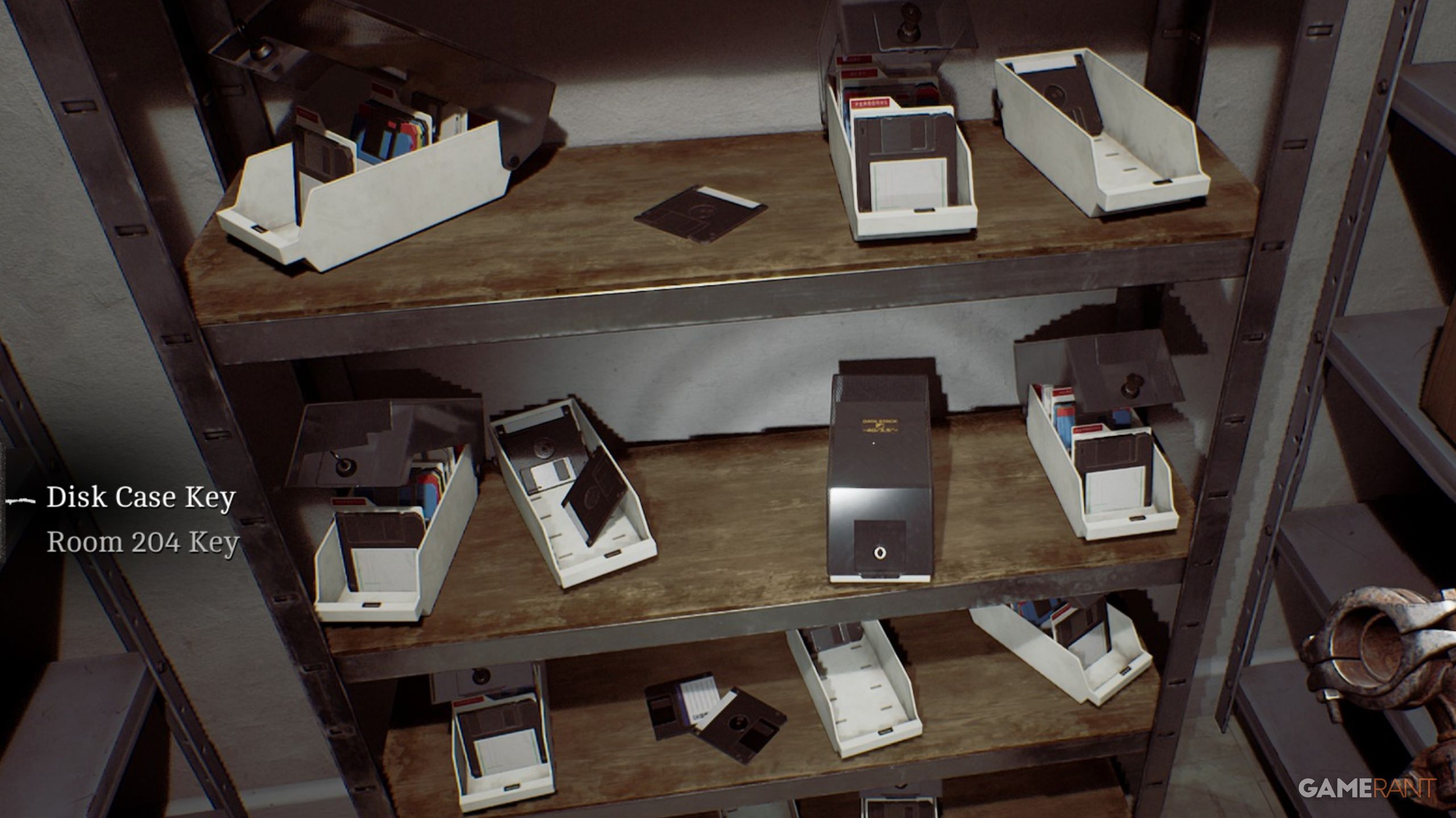
With the Disk Case Key acquired, head to Atlas Computers, the first building east of Atlas Square, where you can enter the back room and use the key on a disk case to acquire the "Fix-A-Disk!" Software floppy disk. This is going to be useful for the next objective, so make your way back to 5 South Brae with your new item.
When you return to 5 South Brae, use the Disk Case Key on the disk case found by the locked box in the upstairs room to acquire the Grouped Floppy Disks. This will be needed for the puzzle below.
Turn on the computer, and you can find a floppy disk drive to the left of the keyboard. To start, input the Fix-a-Disk! Software, and then input Floppy Disk (2 of 3). You will then need to click "Repair Volume" and "Confirm" on the computer screen to clean the corrupted disk.
Interact with the disk reader and insert the following floppy disks in order:
You can now turn on the printer to the left of the computer, and then interact with the computer again to click "Manual EML" which will print out the Reciprocating Compressor. The only important thing in this document is the Part ID: 956, which indicates a code.
سەرچاوەی فەرمی بە زمانی ئینگلیزی: https://gamerant.com/silent-hill-townfall-disk-case-key-locker-17-guide/