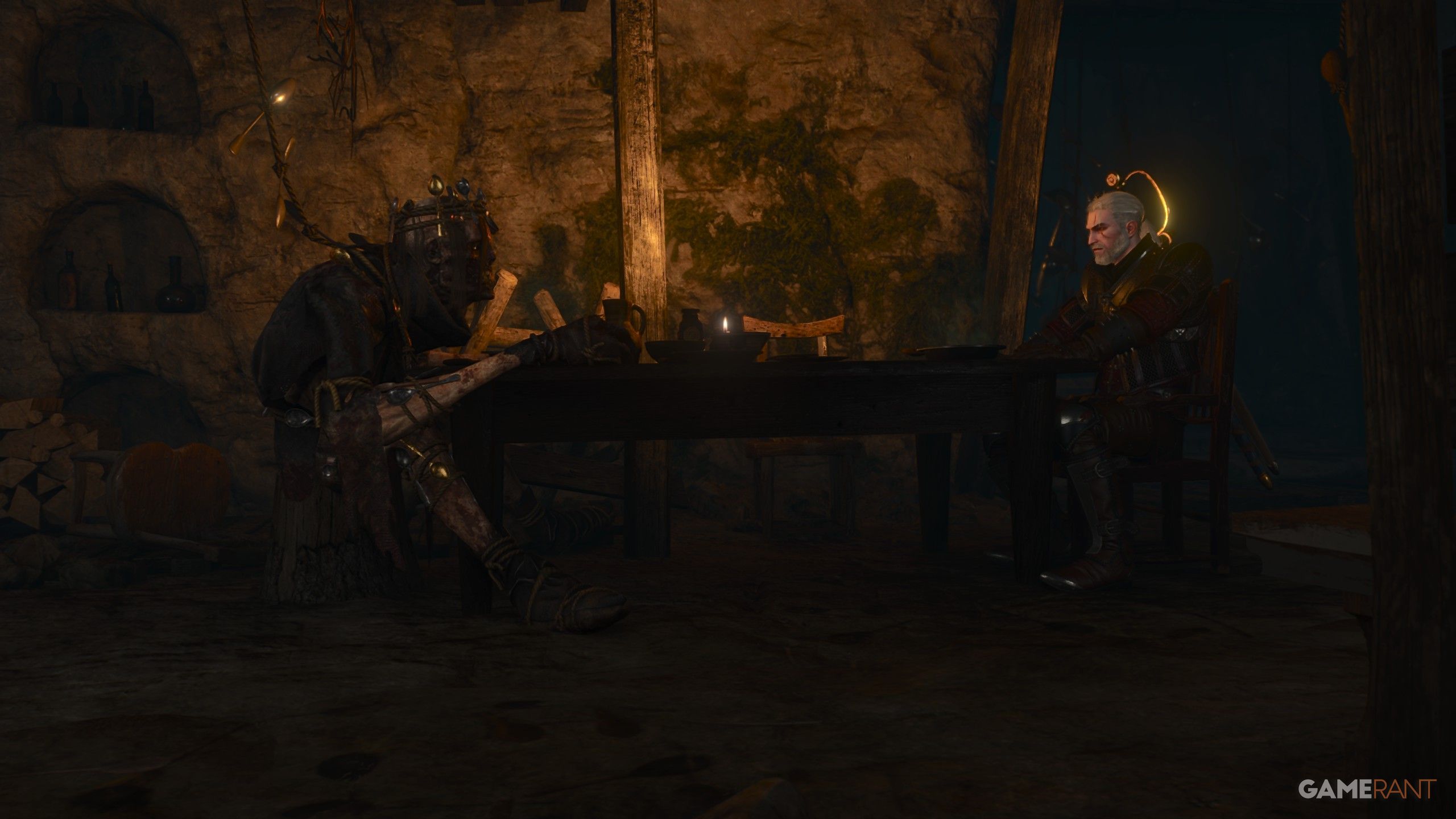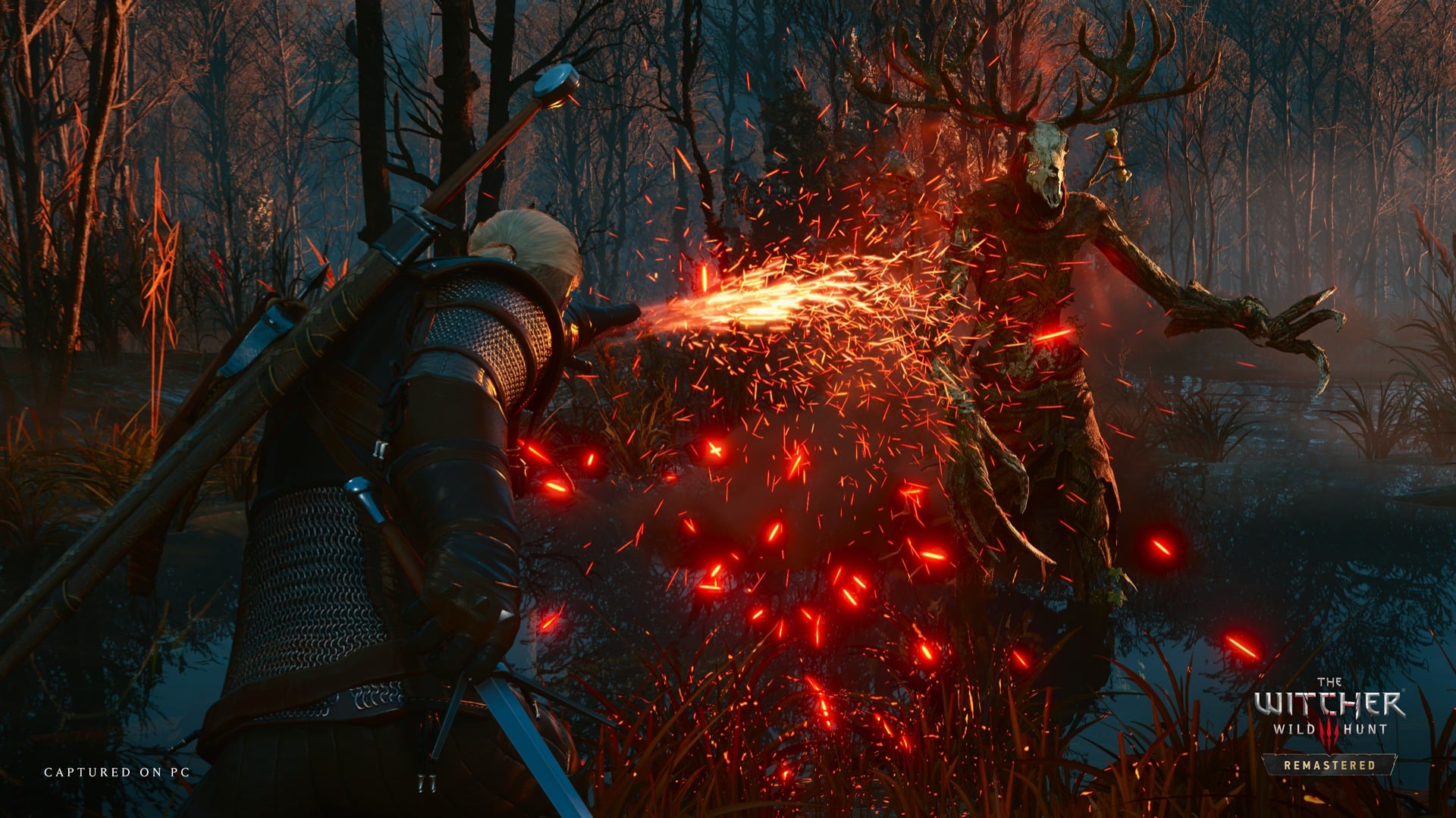

The Witcher 3: Wild Hunt Remastered is out now, and it comes with a few visual settings to adjust on consoles.
Most of the settings you can adjust to your taste, but there are two key options you will want to pay attention to in the Graphics menu: Performance and Ray Tracing. These are the two modes that are available in TW3 Remastered, and they both come with their own benefits and disappointing downsides.
In this guide, we’re breaking down which mode you should be using on your console of choice and with your display in The Witcher 3: Wild Hunt Remastered.

If you want a smooth experience on PS5, the Performance mode is the obvious choice.
Here, Performance mode runs at a mostly smooth 60 FPS with crisp image quality. Switching to the Ray Tracing mode caps at 30 FPS and isn’t consistent in reaching that target. It’s a pretty huge disappointment, even ignoring the strange quirks of the Ray Tracing in TW3 Remastered.
On the base PS5, Performance mode is the obvious suggestion.
PS5 Pro users are getting a much better experience than those on the base PS5, and the Ray Tracing mode here is a suitable option. Ray Tracing mode on PS5 Pro targets 60 FPS, and while it’s slightly inconsistent, any fluctuations should be covered by VRR, if your display supports it.
The downside is that Ray Tracing mode in this version of the game has strange shadow artifacts underneath Geralt and NPCs that can be distracting. It basically looks like Geralt’s lower body is surrounded by a dark haze.


سەرچاوەی فەرمی بە زمانی ئینگلیزی: https://www.videogameschronicle.com/guide/the-witcher-3-remastered-best-console-graphics-mode-performance-vs-ray-tracing/